Hard Drive Failure Signs in Victor, MT

Hard disk drives are mechanical devices that eventually wear out over time. While some last many years, all drives are susceptible to failure as they age. Recognizing the early symptoms of hardware degradation is the difference between a simple backup and a $300+ professional data recovery service. If your computer is showing signs of instability, the storage drive may be developing problems that should be investigated promptly.
At Bitterroot Data Recovery, we prioritize utility and clarity. This guide outlines the technical indicators of drive failure and the immediate steps required to preserve your data. Bitterroot Data Recovery specializes in logical data recovery, computer repair, data transfers, backup setup, malware removal, upgrades, and secure drive wiping. Devices requiring advanced physical recovery may need referral to a specialized data recovery lab.
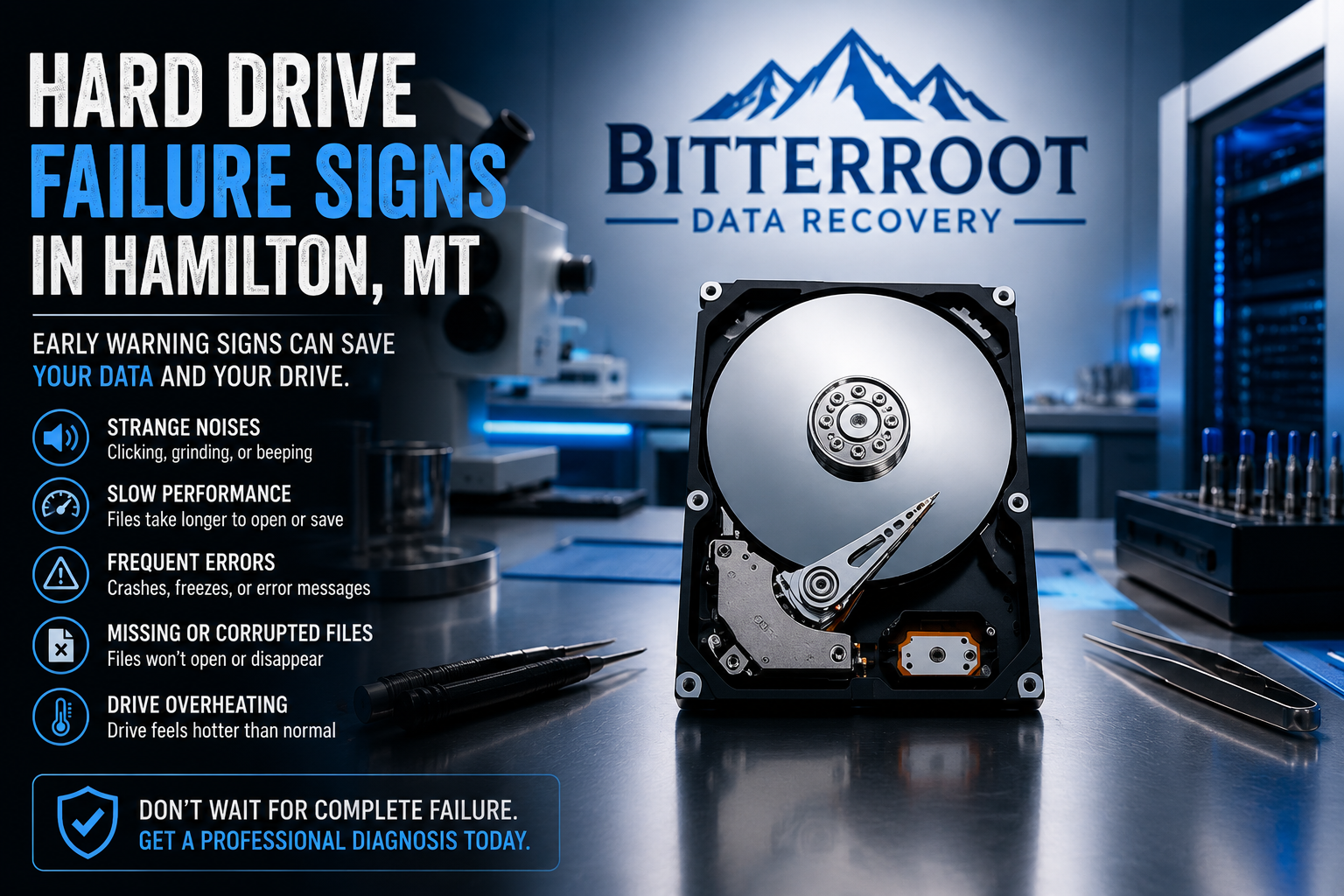
Audible Symptoms: Data Recovery in Victor, MT
Problem: Mechanical components inside a Hard Disk Drive (HDD) are physically failing. The read/write head may be crashing into the platters or the motor bearings are seizing.
Solution: Power down the device immediately. Mechanical failure should be treated as a high-priority data preservation issue and cannot be fixed with software. Continued use can worsen mechanical damage and may significantly reduce the chances of successful data recovery.
Cost: We offer Free Diagnostics to identify if the noise is mechanical or electrical. If attempting recovery is required, Standard logical recovery runs $120–$350.
Examples of Mechanical Failure Noises:
- Repetitive Clicking: The “Click of Death” caused by the head assembly failing to find the “home” position.
- Grinding or Screeching: Indicates a bearing failure or the head physically touching the spinning platter.
- Low-Pitched Beeping: Usually occurs when the drive motor is stuck and unable to spin the platters.

Performance Degradation: Slow Access and System Freezes
Problem: The drive is struggling to read data from “weak” or “bad” sectors. The operating system (Windows or macOS) will repeatedly attempt to read the same spot, causing the entire computer to hang or freeze.
Solution: Stop running intensive tasks like virus scans or disk defragmenters. These processes stress the failing drive. Use a non-destructive imaging process to clone the drive’s contents to a healthy SSD.
Cost: SSD upgrades and data migration services vary depending on system requirements and storage capacity.
Examples of Performance-Related Failure:
- File Explorer Freezes: Opening a folder takes 30 seconds or longer to display files.
- Infinite Loading Circles: The mouse cursor turns into a loading icon whenever you try to save a document.
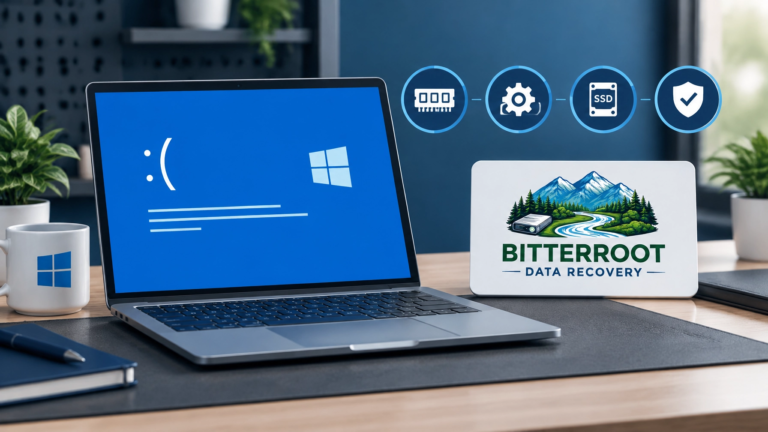
- Blue Screen of Death (BSOD): Random crashes with error codes like
KERNEL_DATA_INPAGE_ERROR.
Data Integrity: File Corruption and Missing Data
Problem: Data is being written to sectors that can no longer hold a magnetic charge, or the file system index is becoming corrupted due to drive instability.
Solution: If the drive may be failing physically, avoid running repair utilities such as CHKDSK or Disk Utility until your important data has been backed up or imaged. These tools can sometimes move data in a way that risks overwriting files on a failing drive. Seek professional imaging to capture the remaining healthy sectors.
Cost: Logical data recovery for corrupted partitions or accidental formatting falls under our “No Cure, No Fee” policy. If we can’t get your data, you pay $0.
Examples of Data Corruption:
- Garbled Files: Opening a photo results in half the image being grey or pixelated.
- Disappearing Folders: Files you saved yesterday are no longer in the directory today.
- “File Not Found” Errors: The OS sees the file name but cannot open the content.
Technical Warnings: S.M.A.R.T. Errors
Problem: S.M.A.R.T. (Self-Monitoring, Analysis, and Reporting Technology) is an internal monitoring system. If you see a S.M.A.R.T. warning, the drive’s firmware has detected that internal attributes (like reallocated sector counts) have exceeded safe thresholds.
Solution: This is a strong indication that the drive is experiencing hardware issues and should be backed up and replaced as soon as possible. You can check your status in Windows by typing wmic diskdrive get status in the Command Prompt.
Cost: Drive replacement and OS reinstallations are standard procedures that prevent the much higher costs of emergency data recovery.
Examples of S.M.A.R.T. Warning Messages:
- “Pri Master Hard Disk: S.M.A.R.T. Status BAD, Backup and Replace” (Displayed during startup).
- “Windows detected a hard disk problem” (A pop-up notification in the taskbar).
- “SMART Predictive Failure” (Displayed in the system BIOS).

Immediate Action Plan: Computer Repair and Data Recovery in the Bitterroot Valley
If you suspect your hard drive is failing, follow these steps in order:
- Stop Using the Drive: Continued operation of a potentially failing drive may increase the risk of further data loss.
- Do Not Install Recovery Software: Downloading “free” recovery tools onto the failing drive will overwrite your data.
- Power Down: If you hear clicking or grinding, shut the system down via the power button immediately.
- Consult a Professional: Bring the drive to a specialist who uses non-destructive imaging hardware.
Bitterroot Data Recovery provides local support for residents in Hamilton, Stevensville, Victor, Corvallis, and Florence. We use specialized imaging and recovery tools designed to improve the chances of attempting recovery from damaged or inaccessible storage devices.
Data Recovery Services and Pricing
| Service | Price | Turnaround Time |
|---|---|---|
| Initial Diagnostics | FREE | Same Day |
| Logical Data Recovery | Starts at $150 | 2–5 Business Days |
| SSD Upgrade & Data Migration | Varies (See Pricing Guide) | 24–48 Hours |
| Secure Drive Wiping (Certified) | $40 per drive | Same Day |
We operate under a strict “No Data, No Charge” policy for all logical recovery attempts. If our tools cannot attempt recovery of your critical files, you do not owe us for the recovery labor.
Contact Bitterroot Data Recovery
Don’t wait for the drive to stop spinning entirely. If you are experiencing any of the symptoms listed above, contact us for a professional assessment.
- Location: Bitterroot Valley, MT (Hamilton, Stevensville, Victor, Corvallis, Florence)
- Website: bitterrootdatarecovery.com
- Pricing Guide: View our full Recovery Pricing Guide
- Contact Form: Schedule a Diagnostic