Why Is My Computer Making Noise? A Guide to Every Sound Your PC Makes

A quiet computer is a healthy computer. When your PC begins making unfamiliar sounds, it is often the first sign of a mechanical or electrical fault. For residents and businesses in the Bitterroot Valley, identifying these sounds early can prevent total hardware failure and permanent data loss.
This guide provides a diagnostic breakdown of common computer noises, their causes, and the necessary steps to resolve them.
1. Why Computer Noises Matter
Computers rely on a mix of electrical signals and moving mechanical parts. While electrical components are generally silent, mechanical parts like hard drives and fans have a finite lifespan. A change in the acoustic profile of your machine indicates that a component is operating outside its normal parameters.
- Problem: Unusual noise is a symptom of wear, obstruction, or impending failure. Ignoring it can lead to system crashes, fire hazards (in the case of power supply failure), or unrecoverable data loss.
- Solution: Identify the sound and isolate the source immediately.
- Cost: Free Diagnostics at Bitterroot Data Recovery to identify the exact cause.
2. Clicking or Grinding: The Hard Drive “Click of Death”

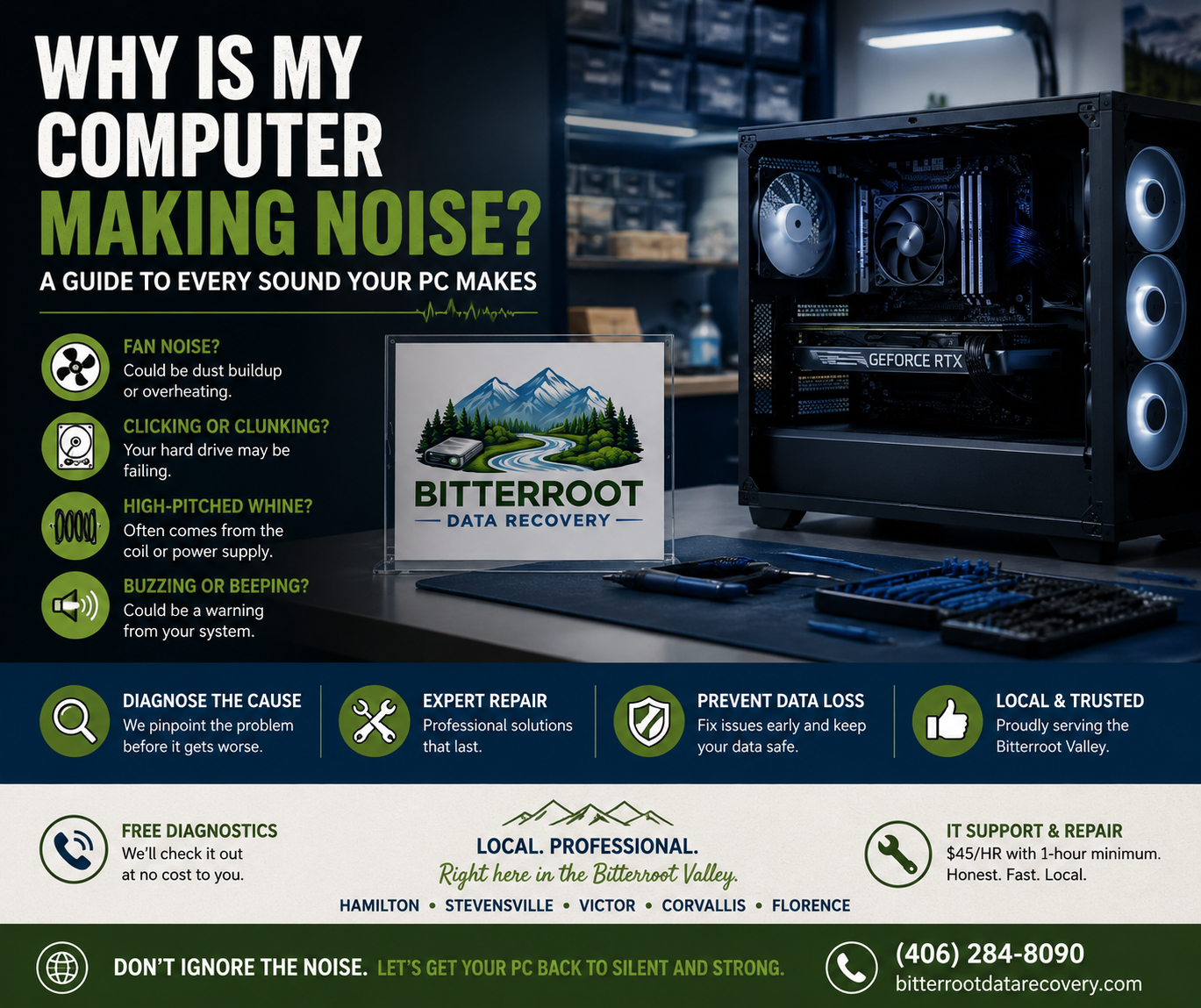
If you hear a rhythmic, repetitive clicking sound: similar to a metronome or a toothpick hitting a fan: your mechanical hard drive (HDD) is likely failing. This is often called the “Click of Death.”
- Problem: The read/write head inside the drive is failing to find the data track and is physically snapping back to its “home” position. Grinding indicates the head is physically contacting the spinning platter, which literally carves the data off the disk.
- Solution: Shut down the computer immediately. Do not attempt to run “repair” software or restart the machine. Every second the drive spins, more data is physically destroyed.
- Cost: No Cure, No Fee on all logical data recovery services. We provide upfront recovery pricing guides before work begins.
Examples of HDD Failure:
- A rhythmic “click-click-pause” sound.
- A high-pitched scraping or grinding sound while opening files.
- The computer freezing or showing a “Blue Screen of Death” (BSOD) accompanied by clicking.
3. Loud Fan Noise: Dust and Overheating

A computer that sounds like a jet engine taking off is usually struggling with heat management. This is the most common issue we see from customers in Hamilton and Stevensville.
- Problem: Fans spin at higher speeds to compensate for heat. This is caused by dust buildup on the blades, blocked airflow vents, or a failing fan bearing.
- Solution: Professional cleaning using compressed air and specialized tools. If the bearing is failing (indicated by a screeching or rattling sound), the fan must be replaced.
- Cost: $50–$75 for a comprehensive computer tune-up and cleaning.
Examples of Fan Issues:
- Whooshing: High RPM due to heat.
- Rattling/Vibrating: Loose fan mount or unbalanced blades.
- Screeching: Failing bearing; needs immediate replacement to prevent CPU overheating.
4. Buzzing or Rattling: Loose Parts and Power Supplies
A low-frequency buzz or rattle usually originates from physical vibrations within the computer case.
- Problem: This is typically caused by a loose screw, a cable vibrating against a fan shroud, or a failing Power Supply Unit (PSU). A buzzing PSU is a serious concern as it can indicate failing internal capacitors.
- Solution: Open the case, secure all mounting screws, and manage cables. If the buzz is coming from inside the PSU, the unit should be replaced immediately.
- Cost: $45/hr for specialized IT support and hardware troubleshooting.
5. Beeping Sounds on Startup (POST Codes)
If your computer beeps when you turn it on and fails to show an image on the screen, it is trying to communicate a specific hardware error through “POST codes.”
- Problem: The motherboard has detected a failure in the RAM (memory), GPU (graphics), or CPU. The pattern of beeps (e.g., three short, one long) tells us exactly what is wrong.
- Solution: Note the pattern of beeps and contact us. We will match the code to your specific motherboard manual and fix the underlying hardware.
- Cost: $0 for the initial diagnostic. Repairs are billed at a flat rate or hourly depending on the component.
6. High-Pitched Whining (Coil Whine)
Some computers emit a very high-pitched, piercing whine that may change in pitch when you move your mouse or play a video game.
- Problem: This is “coil whine.” It is caused by electrical inductors vibrating as power passes through them.
- Solution: Coil whine is usually harmless but annoying. It is common in high-performance graphics cards and some power supplies. If it is new or excessively loud, it may indicate aging components.
- Cost: $0 to have our technicians verify if the whine is harmless or a sign of a failing power rail.
7. The Permanent Solution: SSD Upgrades

If you are tired of the noise and the risk associated with mechanical hard drives, the most effective solution is an upgrade to a Solid State Drive (SSD).
- Problem: HDDs are loud, slow, and prone to mechanical failure.
- Solution: We can clone your existing system onto a new SSD. SSDs have no moving parts, are 10x faster, and are completely silent.
- Cost: Upgrades typically range from $100–$250 including the drive and labor, depending on the storage size required.
What To Do Now: A Summary Guide
| If you hear… | Immediate Action | Professional Solution |
|---|---|---|
| Rhythmic Clicking | Power off immediately. | Data Recovery / Drive Replacement |
| Loud Whooshing | Check for blocked vents. | Professional Cleaning & Tune-up |
| Startup Beeps | Note the beep pattern. | Hardware Diagnostics |
| Grinding Sound | Check fans for cables. | Fan Replacement / IT Support |
Local Service in the Bitterroot Valley
Whether you are in Hamilton, Corvallis, or Victor, you don’t need to ship your computer away or wait weeks for a repair. Bitterroot Data Recovery offers:
- Free Diagnostics: Know what is wrong before you spend a dime.
- Fast Turnaround: Most diagnostics are completed within 24–48 hours.
- No Data, No Charge: Our data recovery service is guaranteed.
Don’t ignore the noise. Contact Marcus today to schedule your free diagnostic.
- Phone: (406) 284-8090
- Online: Client Intake Form
- Location: Victor, MT 59875