How to Choose the Best Computer Repair in Hamilton, MT (Compared)

Residents and businesses in the Bitterroot Valley frequently face a dilemma when hardware fails or software slows down: whether to seek a specialized local technician or a generalized retail service. In a region covering Hamilton, Stevensville, Victor, and Corvallis, the choice of a repair provider determines not only the speed of the fix but the long-term viability of the hardware.
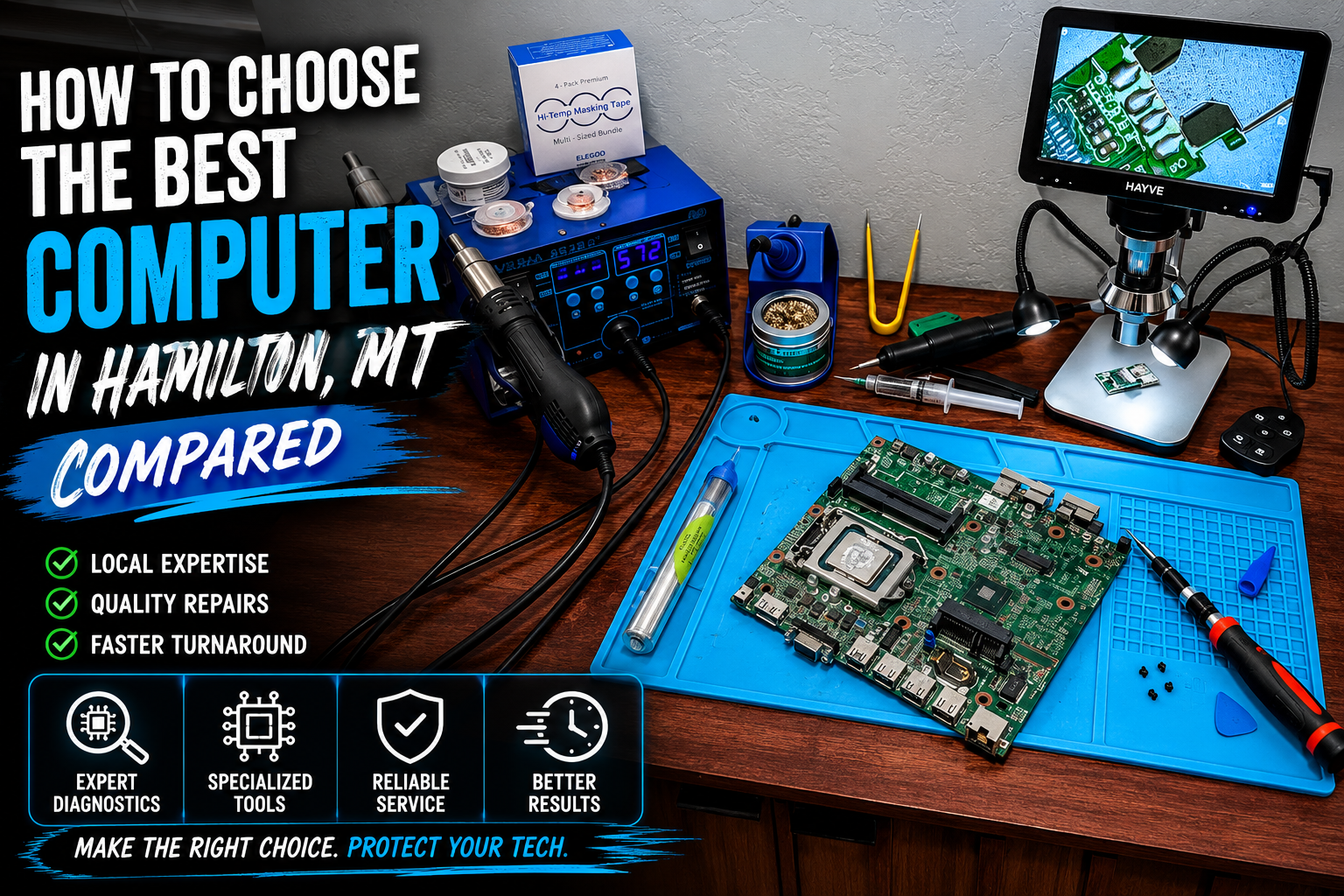
Selecting the right provider for computer repair in Hamilton, MT requires evaluating transparency, technical depth, and data security protocols. This guide compares local specialist standards against retail alternatives to help you make a data-driven decision.
Specialist Local Providers vs. Big Box Retailers
When comparing computer repair in Hamilton, MT and laptop repair in Stevensville, MT, the primary difference lies in technical specialization.
Big Box Retailers: These facilities often utilize “tier-one” technicians who follow rigid scripts. Complex problems are frequently outsourced to regional depots, leading to turnaround times of 2 to 3 weeks. Pricing is usually fixed and high, regardless of the simplicity of the fix.
Local Specialists (Bitterroot Data Recovery): We focus on logical data recovery and high-performance hardware optimization. Our processes are handled on-site in Victor, MT, ensuring your hardware never leaves the valley. This localized approach allows for faster communication and strict data confidentiality.
Service Differentiators:
- Diagnostics: Retailers often charge $50–$100 just to look at a machine. Bitterroot Data Recovery provides Free Diagnostics.
- Policy: We operate on a No Data, No Charge policy for logical recovery services.
- Focus: While retailers sell hardware, we optimize what you already own.
Core Service: Virus and Malware Removal
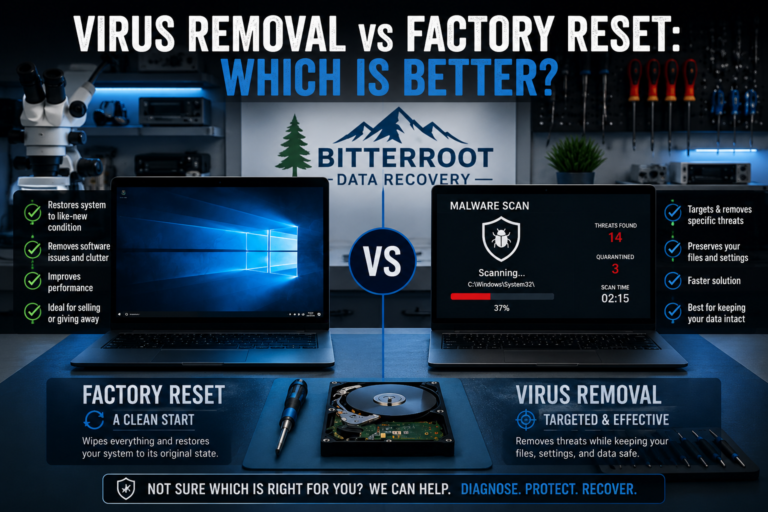
Malware infections significantly degrade system performance and compromise personal security. A professional virus removal service is not merely about running a scan; it is about ensuring the root infection is purged without damaging the operating system.
Problem: The system is unresponsive, displaying unauthorized pop-ups, or experiencing unexpected file encryption. Traditional “free” antivirus software often fails to detect modern, deep-seated rootkits or persistent adware.
Solution: A multi-stage deep-clean process. We identify malicious processes, remove infected registry keys, and repair the system files damaged by the malware. We also verify that your browser security and firewall settings are restored to professional standards.
Cost: Professional virus removal and system hardening typically ranges from $90 to $150, depending on the severity of the infection.
Examples of Malware Scenarios:
- Ransomware: Files are locked, and a payment is demanded.
- Adware: Constant intrusive advertisements during standard browsing.
- Spyware: Unauthorized monitoring of keystrokes or webcam access.
- Trojan Horses: Malicious software disguised as legitimate updates or tools.

Core Service: SSD Upgrade Service
If your computer takes more than 30 seconds to boot, the primary bottleneck is likely a mechanical Hard Disk Drive (HDD). Upgrading to a Solid State Drive (SSD) is the most cost-effective way to extend the life of a computer by 3 to 5 years.
Problem: Slow boot times, applications taking minutes to open, and general system “lag” during multitasking. mechanical drives are also prone to physical failure, leading to total data loss.
Solution: Our ssd upgrade service involves cloning your existing data perfectly to a high-speed SSD or performing a clean OS installation. This move from mechanical platters to flash storage results in a 5x to 10x increase in data access speeds.
Cost: SSD upgrades generally start at $120 (including labor and the new drive). Turnaround time is typically 24 to 48 hours.
Examples of SSD Upgrade Benefits:
- Boot Speed: Reducing Windows startup from 2 minutes to 15 seconds.
- Durability: No moving parts means the drive is resistant to drops and vibration.
- Efficiency: Lower power consumption, which extends laptop battery life.
- Quiet Operation: Elimination of the “clicking” or “whirring” sounds of old HDDs.
Core Service: Clean Windows Reinstallation
Over time, Windows installations accumulate “registry bloat,” unnecessary background services, and fragmented files. A clean reinstall is often more effective than any “tune-up” software.
Problem: The computer feels “heavy” or “cluttered.” Errors occur during updates, and software crashes frequently without a clear hardware cause.
Solution: We back up your critical data, wipe the drive using certified methods, and reinstall a clean, bloatware-free version of Windows. We then install all necessary drivers and restore your data, resulting in a “factory-new” software experience.
Cost: A complete clean reinstall and data migration is typically priced at $100 to $150.
Examples of Reinstallation Needs:
- OS Corruption: The computer fails to boot past the logo screen.
- Registry Errors: Persistent blue screens or system freezes.
- Bloatware Removal: Eliminating the pre-installed “junk” software from new computers.
- Selling a PC: Ensuring no personal data remains before a device changes hands.

Technical Specialty: Secure Drive Wiping
For businesses in the Bitterroot Valley, retiring old equipment is a major security risk. Simply “deleting” files or “formatting” a drive does not remove the data; it only hides it from the operating system.
Problem: Old computers or external drives contain sensitive financial, medical, or personal data. If discarded improperly, this data can be recovered by unauthorized parties.
Solution: We provide certified secure data destruction. For HDDs, this involves multi-pass overwrites. For SSDs, we utilize firmware-based secure erase commands that reset the flash cells.
Cost: Secure wiping is available for $40 to $80 per drive, with bulk discounts for businesses.
Examples of Data Destruction Scenarios:
- Business Compliance: Meeting legal requirements for client data privacy.
- Lease Returns: Wiping office copiers or laptops before returning them to a provider.
- E-Waste Recycling: Ensuring a drive is blank before it is sent to a recycling facility.
- Estate Management: Securing the digital legacy of a family member.
Laptop Repair in Stevensville, MT: Local Support
Many residents looking for laptop repair in Stevensville, MT find that local options are limited. Bitterroot Data Recovery serves the entire valley from our central location in Victor.
We handle specialized laptop issues that general shops often avoid:
- Battery Replacements: Restoring portable runtime to aging laptops.
- Power Jack Repairs: Fixing loose or broken charging ports.
Our goal is to provide a clinical, professional alternative to the long wait times found in Missoula or the limited capabilities of general storefronts.

Transparency and Confidentiality Standards
Trust in a repair provider is built on logic and verified results. Bitterroot Data Recovery adheres to strict professional standards:
- Confidentiality: Your data is never viewed, copied, or stored beyond what is required for the specific recovery or migration task.
- No Hidden Fees: You receive a quote after the free diagnostic. If you choose not to proceed, you pay nothing.
- Non-Destructive Processes: We prioritize the safety of your hardware. During data recovery, we work from an image of your drive to ensure the original hardware is not stressed.
For specialized Logical Data Recovery, we provide a comprehensive pricing guide to ensure there are no surprises when the bill arrives.
Contact Bitterroot Data Recovery
If you are experiencing hardware failure, slow performance, or a malware infection, contact us for an expert assessment.
- Location: Victor, Montana
- Phone: 406-284-8090
- Email: contact@bitterrootdatarecovery.com
- Online: Contact Form
We serve the entire Bitterroot Valley including Hamilton, Stevensville, Victor, Corvallis, and Florence.
Free Diagnostics. No Cure, No Fee. Professional Local Service.