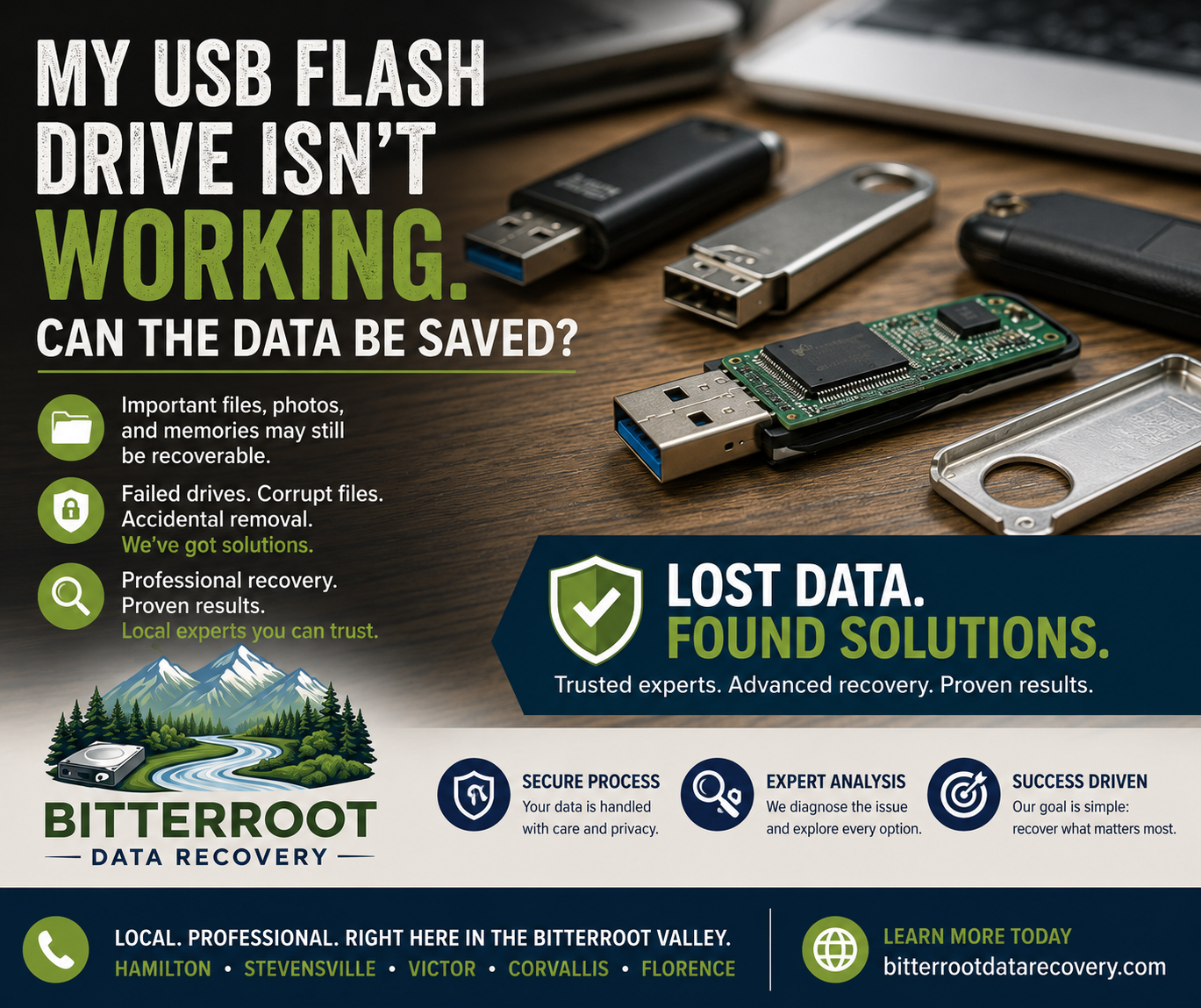
My USB Flash Drive Isn’t Working , Can the Data Be Saved?

For many residents in the Bitterroot Valley, whether you are a student at UofM, a photographer in Stevensville, or a small business owner in Victor, a USB flash drive often holds critical documents, years of photos, or essential tax records. When that drive suddenly stops working, the immediate reaction is often panic.
At Bitterroot Data Recovery, we specialize in retrieving lost information from failing storage devices. If your drive is currently inaccessible, this guide outlines the technical reasons for the failure, the steps you must avoid to prevent permanent data loss, and how our professional recovery services can help you recover deleted files from usb devices.
Why USB Flash Drives Fail So Frequently
Despite having no moving parts, USB flash drives are significantly more fragile than traditional hard drives. Their compact design and manufacturing methods make them susceptible to specific types of failure.
- Problem: USB drives rely on NAND flash memory and a small controller chip. These components have a finite lifespan and are sensitive to electrical and physical stress.
- Solution: Understanding the failure mode (logical, electronic, or physical) determines the recovery path.
- Cost: Standard flash drive diagnostics are Free at our shop.
Examples of Failure Causes:
- Controller Failure: The chip that “talks” to the computer dies, making the data on the memory chip unreachable.
- Physical Damage: The USB connector is bent or snapped due to being bumped while plugged in.
- NAND Wear: The memory cells literally wear out after too many “write” cycles.
- Cheap Components: Many “giveaway” or budget drives use low-grade memory chips that fail without warning.
Common Failure Scenarios and Errors
Identifying the specific error message or behavior is the first step in determining if we can recover deleted files from usb drives.
- Problem: The computer recognizes the drive but refuses to show the files.
- Solution: Match the symptom to the likely recovery method.
- Cost: Logical recovery for most USB drives starts at $120.
Examples of Common Errors:
- “Please insert a disk”: The computer sees the USB reader but cannot find the memory chip. Usually indicates a controller failure.
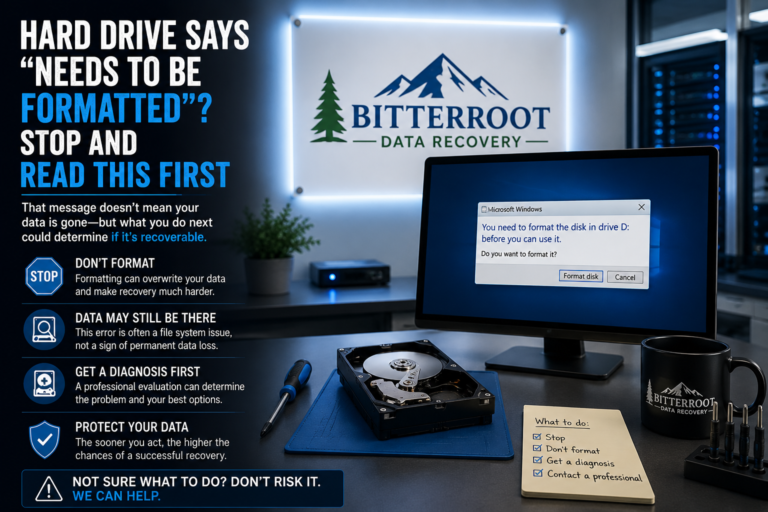
- “You need to format the disk before you can use it”: The file system is corrupted (RAW), or the computer cannot read the partition table.
- “The disk is write protected”: The drive has detected an internal error and has locked itself into “Read Only” mode to protect data: or it is failing entirely.
- Drive Not Recognized: No light, no sound from the computer, and no entry in Disk Management. This is often a physical or electrical failure.

Critical Warnings: What NOT to Do
When a drive fails, the wrong DIY attempt can turn a recoverable situation into a permanent loss.
- Problem: Well-intentioned software or commands can overwrite the very data you are trying to save.
- Solution: Immediately unplug the drive and seek professional help.
- Outcome: Preserving the drive’s current state maximizes recovery chances.
Actions to Avoid:
- Do NOT Format the Drive: Formatting creates a new file system and can overwrite the old data map.
- Do NOT Run ‘chkdsk /f’: This Windows utility tries to “fix” the file system by deleting what it views as “corrupted” files: which are often the files you need.
- Do NOT Use Random “Free” Software: Many free tools are aggressive and can cause a failing chip to die completely during a heavy scan.
- Do NOT Open the Casing: Breaking the seal on a USB drive without the proper tools can snap the delicate traces on the circuit board.
Simple DIY Checks You Can Safely Perform
Before bringing your drive to our Victor office, you can perform these low-risk checks to rule out simple connection issues.
- Problem: The issue might be the computer or the port, not the drive itself.
- Solution: Systematically test the drive in different environments.
- Outcome: Identifies if the drive is truly dead or just poorly connected.
Checklist:
- Try Different Ports: Move the drive from the front panel ports to the ports directly on the back of the motherboard.
- Try a Different Computer: Rule out software conflicts on your primary machine.
- Check Disk Management: In Windows, right-click the Start button and select “Disk Management.” If the drive appears here but says “No Media” or “RAW,” it is a confirmed hardware/logical failure.
- Check the Cable: if you are using a portable drive with a detachable cable, swap the cable for a known working one.
When Data Is Likely Recoverable vs. Permanently Gone
Data recovery is a science, and the outcome depends heavily on the state of the NAND memory chip.
- Problem: Not every drive can be saved.
- Solution: Professional assessment to determine the “health” of the data.
- Outcome: Transparent reporting on what can be retrieved.
Likely Recoverable:
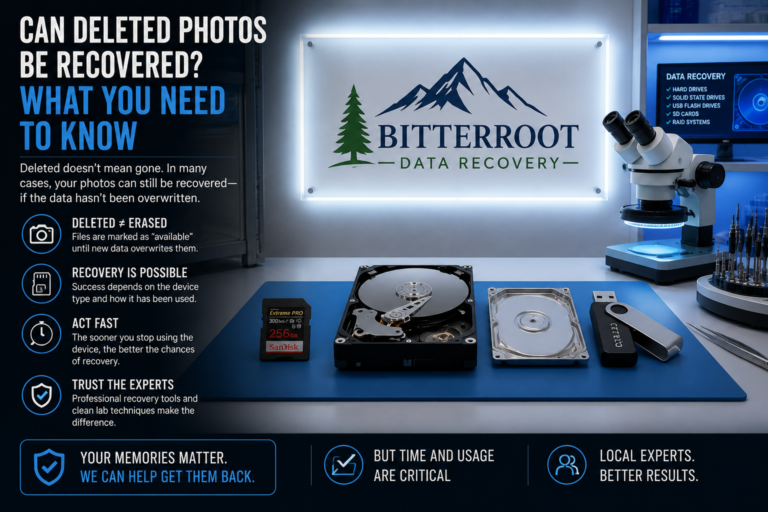
- Accidental deletion of files (if the drive hasn’t been used since).
- Accidental formatting (if no new files were written).
- File system corruption (RAW format errors).
- Minor physical damage to the connector.
Difficult or Impossible:
- NAND Memory Damage: If the actual storage chip is cracked or “burnt” due to a power surge.
- Overwritten Data: If you deleted a file and then filled the drive with new movies or photos.
- Encryption Loss: If the drive was encrypted (BitLocker) and the internal encryption key is lost due to controller failure.

Our Professional USB Recovery Process
At Bitterroot Data Recovery, we follow a strict protocol to ensure the safety of your data. We serve individuals and businesses throughout the Bitterroot Valley, from Florence to Corvallis.
- Problem: Standard software cannot handle unstable hardware.
- Solution: Non-destructive imaging and sector-level reconstruction.
- Cost: Diagnostics are Free. Standard recovery starts at $120.
Our Steps:
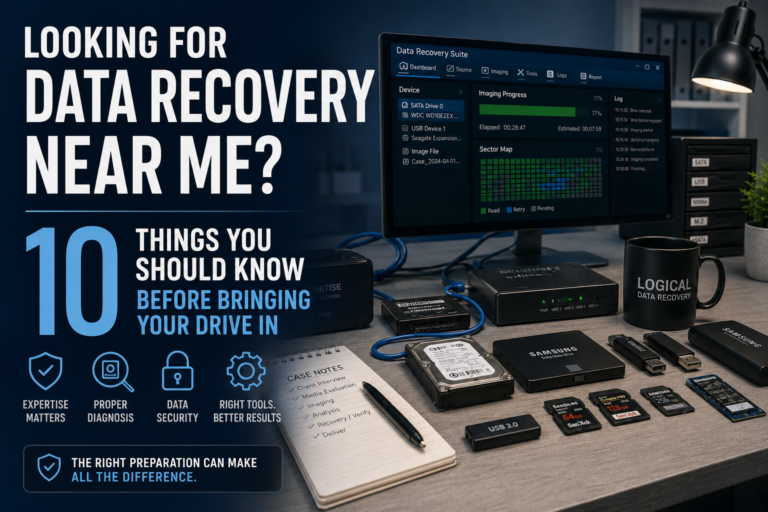
- Imaging: We create a bit-for-bit clone of your drive using specialized hardware that handles read errors without crashing. We never work directly on your original drive.
- Reconstruction: We use professional tools to rebuild the file structure from the clone.
- Verification: We ensure the recovered files open and are not just “ghost” entries.
- Delivery: We transfer your recovered files to a new, healthy drive or a secure cloud link.
Our Guarantee: No Cure, No Fee
We believe you shouldn’t have to pay for a service that doesn’t produce results.
- Problem: Fear of paying high fees for nothing.
- Solution: Our “No Data, No Charge” policy.
- Policy: If we cannot recover your critical files, you owe us nothing for the recovery attempt.
Note: This policy applies to logical recoveries. If a highly specialized “chip-off” recovery (requiring desoldering the memory chip) is needed, we will refer to a certified lab.
Prevention: The 3-2-1 Backup Rule
The only way to 100% guarantee you never lose data is to have a robust backup strategy. USB drives should only be used for transporting data, never as the only home for it.
- Problem: Relying on a single $15 flash drive for important life documents.
- Solution: Implement the 3-2-1 rule.
- Cost: Our IT support for setting up automated backups is $45/hr.
The 3-2-1 Rule:
- 3 Copies of Data: The original and two backups.
- 2 Different Media: e.g., your computer’s internal drive and an external hard drive.
- 1 Offsite Copy: A cloud backup (OneDrive, Google Drive, Backblaze) or a drive kept at a different location in Stevensville or Florence.

Professional Support in the Bitterroot Valley
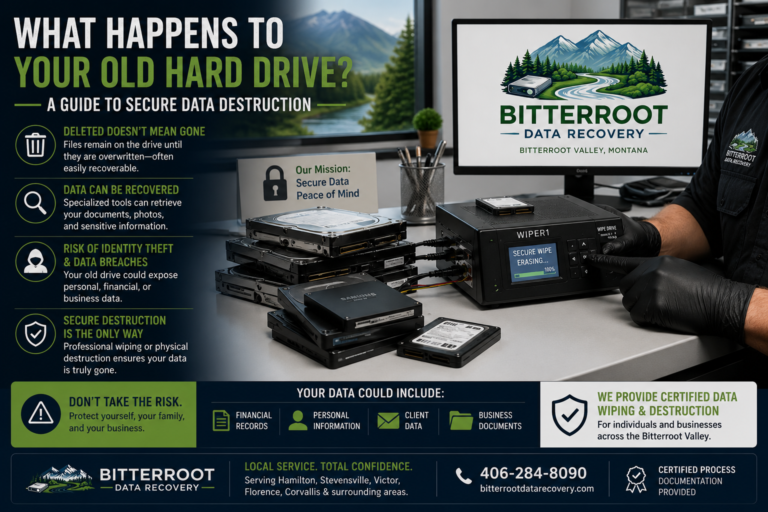
If your USB drive is failing, stop using it immediately to prevent further damage. Whether you are in Hamilton, Corvallis, or Victor, Bitterroot Data Recovery is your local expert for logical data recovery and computer optimization.
- Free Diagnostics
- Logical Recovery starts at $120
- No Data, No Charge Policy
- Secure Drive Wiping and Hardware Upgrades available
Contact us today to schedule your free diagnostic drop-off.
Call/Text: (406) 284-8090 Website: bitterrootdatarecovery.com Visit Us: Client Intake Form