Why Every Family Should Have a Backup Plan for Photos and Documents

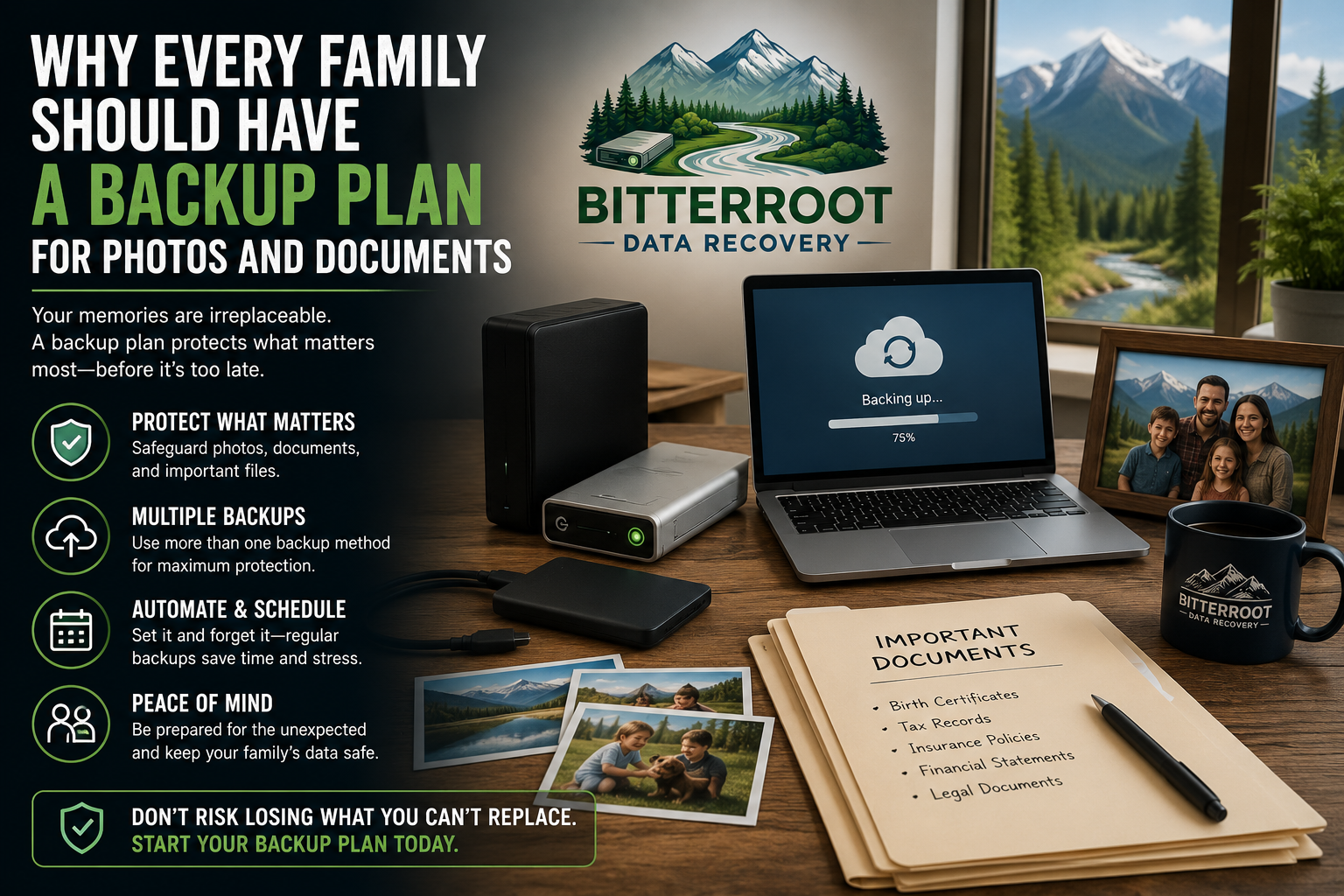
Digital data is inherently fragile. Hard drives, SSDs, and smartphones are hardware devices with finite lifespans. For families in the Bitterroot Valley, the loss of digital photos and legal documents often stems from a single point of failure: relying on one device to store irreplaceable history.
Professional data recovery is a reactive solution. A proactive backup strategy is a financial and emotional safeguard.
The Problem: The Single Point of Failure
Most families store their entire digital life, spanning decades of birth photos, wedding videos, and tax records, on a single internal computer drive or one external “backup” disk.
The Risks:
- Mechanical Failure: Traditional hard drives (HDDs) contain moving parts that wear out.
- Electronic Surge: Power fluctuations in rural Montana can fry drive controllers.
- Accidental Deletion: Human error is the leading cause of logical data loss.
- Ransomware: Malware can encrypt local files, making them inaccessible without a decryption key.
The Solution: Implement a redundant storage architecture that eliminates the risk of a single device failure.
The Cost: Professional backup setup ranges from $120 – $300, significantly lower than the cost of emergency data recovery, which can range from $120 – $700+.
The 3-2-1 Backup Rule
The industry standard for data protection is the 3-2-1 rule. This framework ensures that even if a local disaster occurs, your data remains recoverable.

- 3 Copies of Data: Keep your original files plus two additional backups.
- 2 Different Media: Use different types of storage (e.g., an internal SSD and an external HDD).
- 1 Off-site Copy: Keep one copy in a separate physical location, typically via a cloud service.
Examples of 3-2-1 Implementation
- Scenario A: Photos are on a MacBook (1), backed up to a Time Machine drive (2), and synced to iCloud (3).
- Scenario B: Business documents are on a Desktop (1), copied to a USB flash drive (2), and stored in an encrypted OneDrive folder (3).
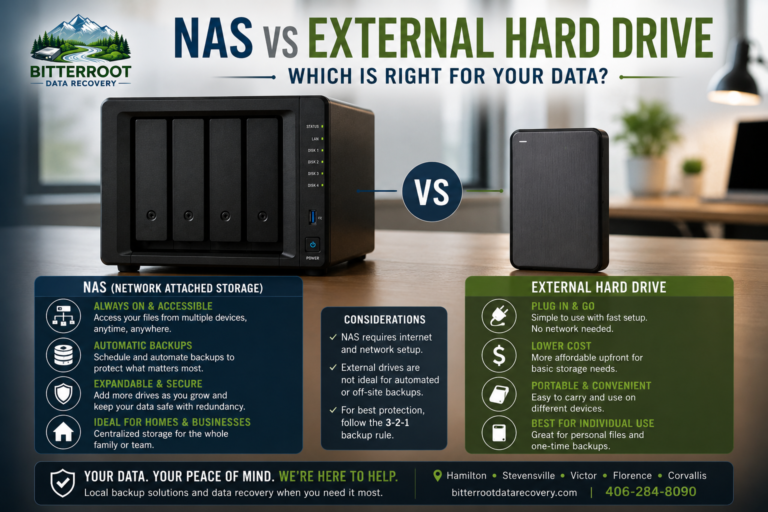
External Hard Drives: Local and Fast
External drives provide high-capacity storage without monthly subscription fees. They are the most efficient way to handle large photo libraries that would take days to upload to the cloud.

The Problem: High-resolution video and photo collections exceed the storage capacity of most laptops, leading users to move (rather than copy) files to an external drive. If that drive fails, the data is gone.
The Solution: Use external drives as mirrors, not primary storage. Automated software can sync your “Pictures” folder to an external drive every time it is plugged in.
The Cost (Hardware + Setup):
- 1TB External Drive: $80
- 2TB External Drive: $110
- Automated Setup Labor: $120 – $180
- Turnaround Time: 1 – 2 hours
Cloud Storage: The Off-Site Safety Net
Cloud storage protects against physical theft, fire, or flood. It ensures that if your house in Hamilton or Stevensville is compromised, your digital legacy is safe in a secure data center.

The Problem: Many users find cloud interfaces (Google Drive, iCloud, Backblaze) confusing. Incorrect settings can lead to “syncing” instead of “backing up,” where deleting a file on your phone also deletes it from the cloud.
The Solution: Professional configuration of “Set-and-Forget” cloud backups. We ensure your settings are optimized for archival preservation, not just temporary syncing.
The Cost:
- Cloud Service Fees: Typically $5 – $20/month (paid to the provider).
- Configuration Service: $120 (one-time setup).
Protecting Family Legacies: Step-by-Step
Protecting your data requires a systematic approach. Bitterroot Data Recovery provides comprehensive backup solutions tailored to residential needs.
Service Outcome: Data Resilience
- Phase 1: Consolidation. We gather files from old laptops, SD cards, and USB sticks into one master library.
- Phase 2: Redundancy. We configure a local external drive to perform daily incremental backups.
- Phase 3: Automation. We set up an off-site cloud backup that runs in the background with zero user intervention required.
Examples of Irreplaceable Data:
- Family Archives: Scanned 35mm slides and digitized home movies.
- Financial Records: Tax returns, property deeds, and estate planning documents.
- Creative Work: High-resolution photography or digital art portfolios.
Why Professional Setup Matters
While “plug-and-play” drives exist, they often lack proper configuration. A drive that is plugged in but not actively backing up provides a false sense of security.
Our Guarantees:
- Confidentiality: We maintain strict data privacy. No files are viewed beyond what is necessary for verification.
- Verification: We test the backup to ensure files can actually be restored. A backup that hasn’t been tested is not a backup.
- Transparent Pricing: All labor costs and hardware prices are provided upfront. No hidden “subscription” fees from our shop.
Comparison of Options:
| Feature | DIY External Drive | Cloud Storage Only | BDR Managed 3-2-1 |
|---|---|---|---|
| Recovery Speed | Fast | Slow (Internet-dependent) | Fastest |
| Off-site Protection | No | Yes | Yes |
| Initial Cost | ~$80 | Free – $20/mo | $180 – $300 |
| Reliability | Low (Manual) | Medium (Sync errors) | High (Automated) |
Secure Your Data Today
If you are currently relying on a single device to store your family’s history, you are one hardware failure away from permanent data loss. Bitterroot Data Recovery offers free diagnostics and professional consultation to build a backup plan that fits your budget.
Contact Information:
- Location: Serving Hamilton, Stevensville, Victor, Corvallis, and Florence.
- Phone/Text: (406) 284-8090
- Email: contact@bitterrootdatarecovery.com
- Pricing Details: View our Recovery & Backup Pricing Guide
Stop gambling with your memories. Secure them today.