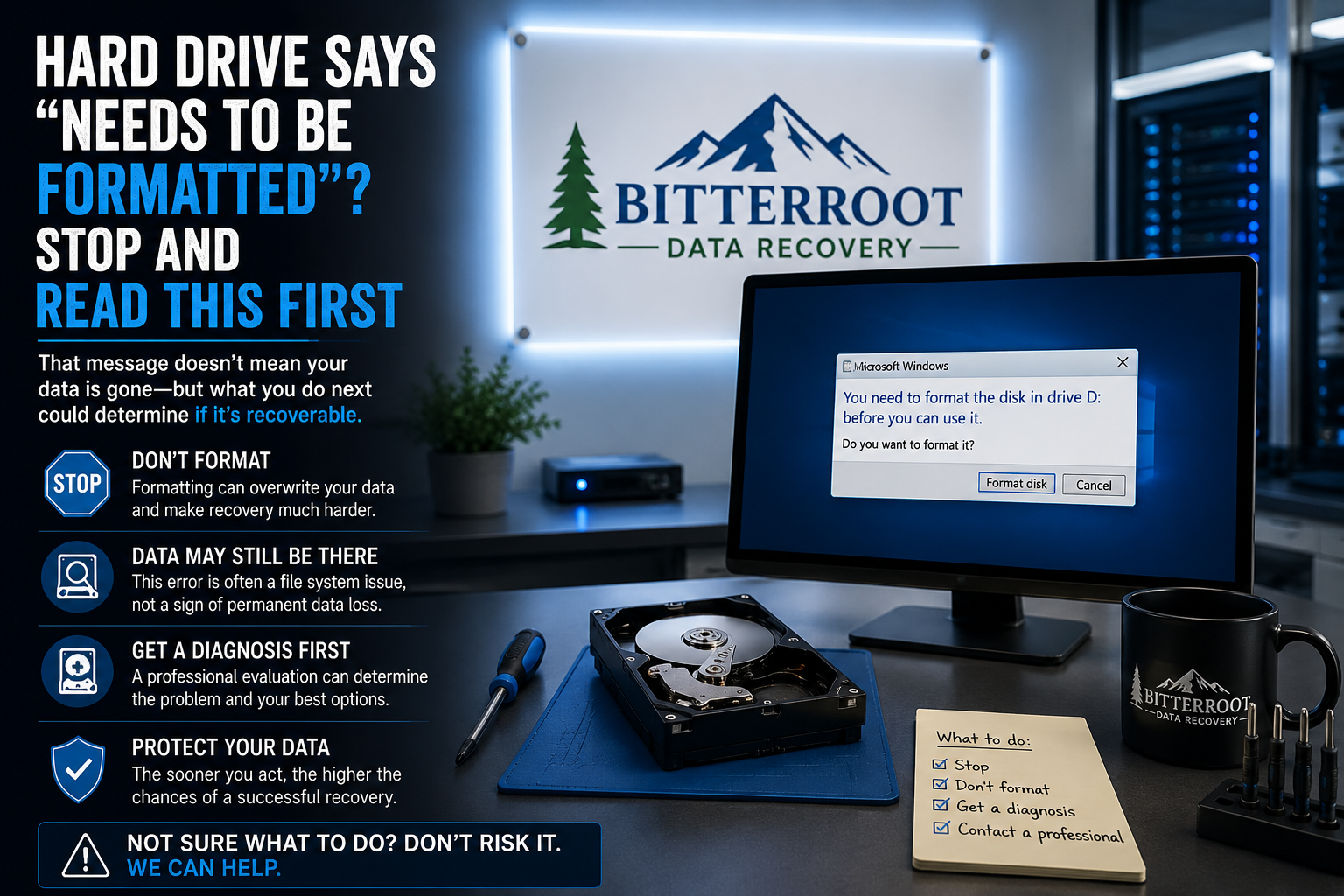
Hard Drive Says “Needs to Be Formatted”? Stop and Read This First
When you connect an external hard drive, USB flash drive, or SD card to your computer, receiving a prompt that says “You need to format the disk in drive X: before you can use it” is a critical technical error. For most users, the natural instinct is to click “Format” to regain access to the device. Doing so is the fastest way to permanently delete your files.
This error does not mean your data is gone. It means Windows can no longer read the file system or partition map. At Bitterroot Data Recovery, we treat this error as a logical failure. If the data on that drive is important, you must stop all interaction with the device immediately.
1. The Immediate Warning: What NOT To Do
The Problem: The operating system presents a binary choice: format the disk or cancel. Formatting is a destructive process that overwrites the metadata required to locate your files. Even if the data isn’t “wiped” in the traditional sense, the “map” to that data is destroyed, making professional recovery significantly more complex and expensive.
The Solution: Click “Cancel.” Safely disconnect the drive if possible, or simply leave it alone. Do not run third-party “fix-it” utilities or Windows built-in repair tools like CHKDSK. These tools attempt to “fix” the file system by deleting or moving corrupted data blocks, often resulting in permanent data loss.
The Cost: Clicking “Format” can turn a $189 logical recovery into a complex forensic reconstruction. Clicking “Cancel” costs $0 and preserves your best chance at a full recovery.
Examples of Destructive Actions:
- Clicking “Format Disk” on the Windows popup.
- Running
chkdsk /fvia the Command Prompt. - Using free “partition repair” software found on untrusted websites.
- Attempting to “rebuild” the MBR (Master Boot Record) without a backup.
2. Why Your Drive is Not Accessible

The Problem: Windows displays the “Needs to be Formatted” error because the drive’s partition has become “RAW.” This happens when the file system (NTFS, exFAT, or FAT32) is corrupted to the point that the OS can no longer identify where the data begins or ends.
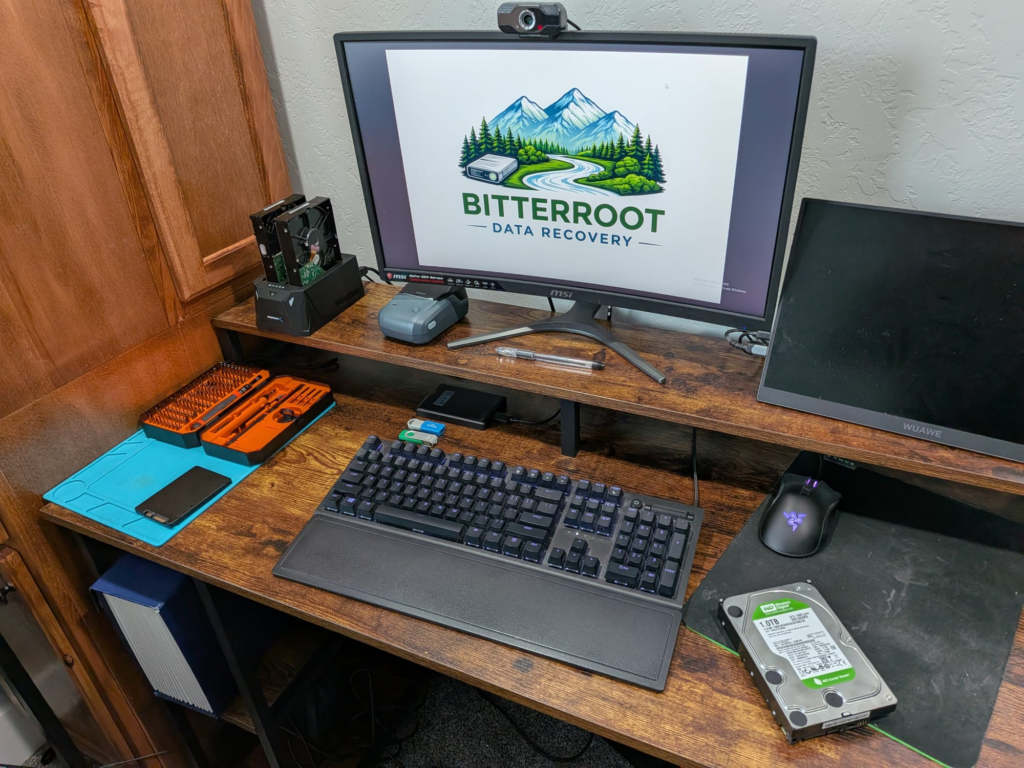
The Solution: Identify the root cause through professional diagnostics. At our At our Victor shop, we use hardware-level imaging tools to determine if the issue is a simple software glitch or a physical hardware failure.
The Cost: Diagnostics at Bitterroot Data Recovery are Free. We provide a firm quote before any recovery work begins.
Common Causes of “Needs to be Formatted” Errors:
- Improper Ejection: Pulling a USB cable out while the drive is still writing data.
- Power Surges: A sudden loss of power during a file transfer.
- Bad Sectors: Physical degradation of the disk surface where the file system metadata is stored.
- File System Corruption: Software crashes that leave the partition table in an inconsistent state.
- Malware Interference: Viruses that specifically target partition headers to hold data hostage.
3. Why Formatting Hurts Recovery Efforts

The Problem: Users often believe that formatting “clears the path” for recovery software. This is a technical fallacy. A “Quick Format” creates a brand-new, empty File Allocation Table or Master File Table. This action overwrites the very sectors we need to scan to find your original folder structure and filenames.
The Solution: Utilize Non-Destructive Imaging. We never work directly on your original drive. Our first step is to create a sector-by-sector clone of your media using specialized hardware that ignores read errors. We then perform the recovery from this “bit-perfect” copy, ensuring your original device remains in its current state.
The Cost: Recovering data from a formatted drive often results in “raw” files (files without original names or folder structures), which requires hours of manual sorting. Maintaining the original file system via professional recovery saves you 24–48 hours of manual organization.
Examples of Formatting Damage:
- Loss of Metadata: You get “File001.jpg” instead of “Wedding_Photo_2023.jpg.”
- Directory Loss: All files are dumped into one massive folder instead of their original subdirectories.
- Overwriting: New file system structures may physically sit on top of your most important documents.
4. Professional Recovery Options
The Problem: DIY software often hangs or crashes when it encounters bad sectors, which are common in drives showing the “needs to be formatted” error. Repeatedly trying to scan a failing drive can cause the read/write heads to crash, leading to total physical failure.
The Solution: Our Logical Data Recovery Services use a clinical approach. We utilize deep-level scanning algorithms that can reconstruct file systems even when the partition table is entirely missing.
The Cost: Our logical recovery tier starts at $189. This is a flat-rate service for drives up to 2TB. If we cannot recover your data, you pay $0: that is our “No Cure, No Fee” guarantee.
Recovery Service Outcomes:
- Full Partition Restoration: We return the drive to you with all files and folders in their original locations.
- Targeted File Extraction: If the file system is too damaged to repair, we extract your most critical files (Photos, Documents, QuickBooks files) to a new, healthy drive.
- Secure Data Transfer: All recovered data is moved to a secure, encrypted storage device for your pickup.
5. The Bitterroot Data Recovery Process
We serve the entire Bitterroot Valley, providing local expertise for residents in Hamilton, Stevensville, and surrounding areas. Our process is designed to be transparent and risk-free.
| Step | Action | Outcome |
|---|---|---|
| 1. Free Diagnostic | We inspect the drive for physical and logical errors. | A firm quote and “Success Probability” report. |
| 2. Secure Imaging | A bit-for-bit clone is created of your drive. | Original data is protected from further damage. |
| 3. Logical Recovery | Our engineers reconstruct the file system. | Files are identified and verified for integrity. |
| 4. Verification | You review a file list to ensure your data is there. | You only pay if the data you need is recovered. |
| 5. Delivery | Data is transferred to a new drive. | Turnaround time is typically 2–5 business days. |
When to Contact a Professional
If your external drive is not accessible and contains years of family photos, critical business spreadsheets, or legal documents, do not gamble with DIY methods. The “Needs to be Formatted” error is a “check engine light” for your data. Ignoring it or clicking the wrong button can lead to permanent loss.
For residents in Hamilton, Stevensville, Victor, Corvallis, and Florence, we offer local drop-off and expert service. Visit our Recovery Pricing Guide to see our transparent rates, or fill out our Client Intake Form to start your recovery today.
Contact Bitterroot Data Recovery:
- Location: Victor, MT (Serving the entire Bitterroot Valley)
- Policy: No Data, No Charge
- Phone: Visit our contact page for details