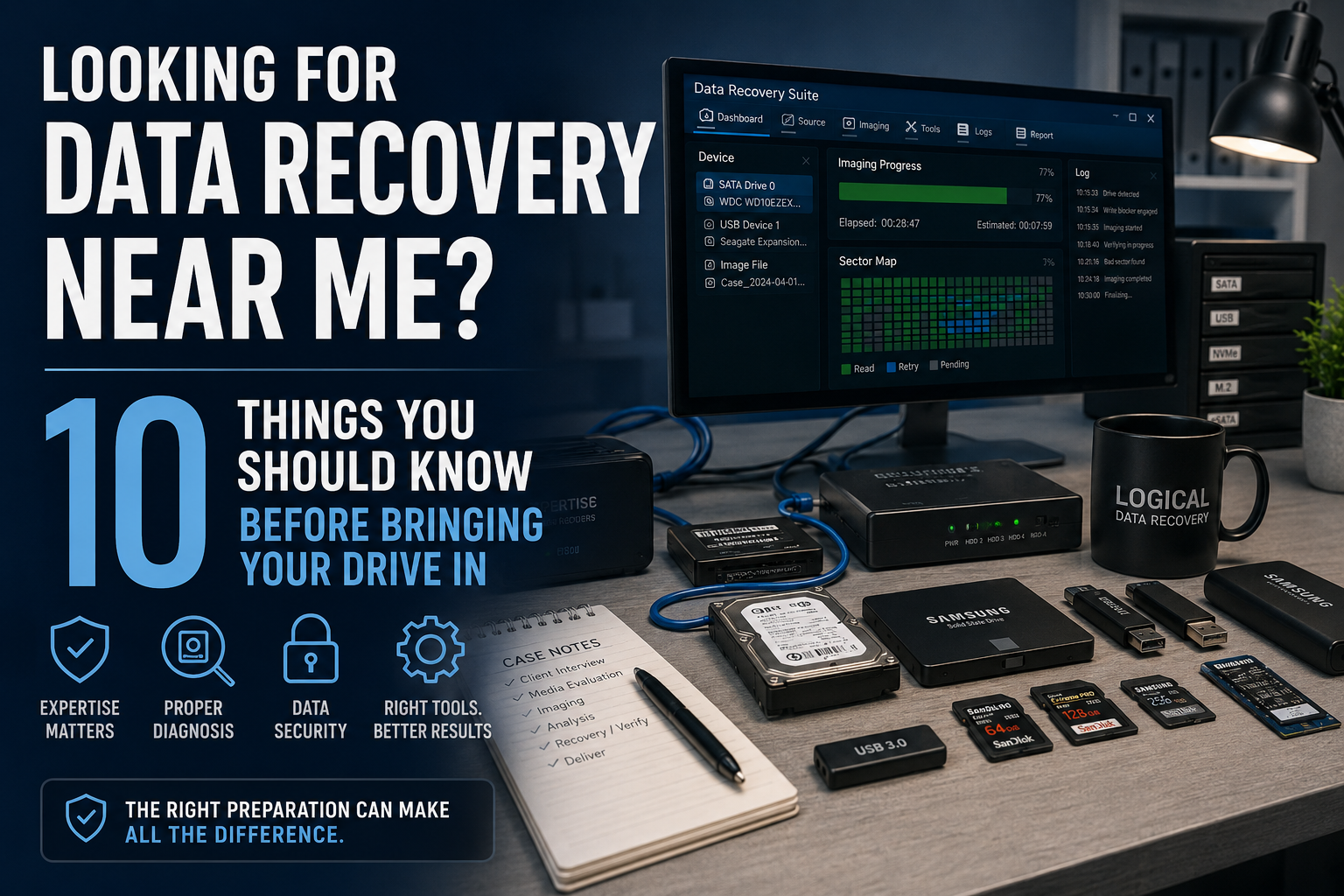
Looking For Data Recovery Near Me? Here Are 10 Things You Should Know Before Bringing Your Drive In

Locating a “data recovery near me” in the Bitterroot Valley requires more than a simple web search. When personal files, business records, or irreplaceable photos are lost, the distinction between a general repair shop and a specialized recovery service determines whether your data is retrieved or permanently destroyed.
Bitterroot Data Recovery provides logical data recovery and computer repair services to residents in Hamilton, Stevensville, Victor, Corvallis, and Florence. This guide outlines 10 critical factors you must evaluate before handing over your storage media.
1. Local Presence vs. Shipping Hubs
Many search results for “data recovery near me” are actually shipping hubs that forward your drive to out-of-state labs. This increases the risk of transit damage and adds days to the recovery timeline.
- Problem: Your drive is shipped to a third-party facility without your knowledge, adding shipping costs and delay.
- Solution: We perform logical data recovery locally in the Bitterroot Valley. You can drop off your device and speak directly with the technician handling your data.
- Cost: Local drop-off is $0; out-of-state shipping can cost $30–$100+ in logistics alone.
Examples:
- Dropping off a laptop at our Victor service location.
- Direct communication regarding the status of a corrupted USB drive.
- Avoidance of USPS/FedEx handling risks for fragile mechanical drives.
2. The Necessity of Free Diagnostics
A reputable data recovery service should never charge you just to tell you that your data is gone. Diagnostics are essential to determine if a failure is logical (software/file system) or physical (mechanical hardware).
- Problem: Paying “bench fees” or “evaluation fees” regardless of the recovery outcome.
- Solution: Bitterroot Data Recovery offers Free Diagnostics. We assess the drive’s health and provide a firm quote before any recovery work begins.
- Cost: $0 for initial evaluation.
Examples:
- Testing an external hard drive that isn’t showing up on your computer.
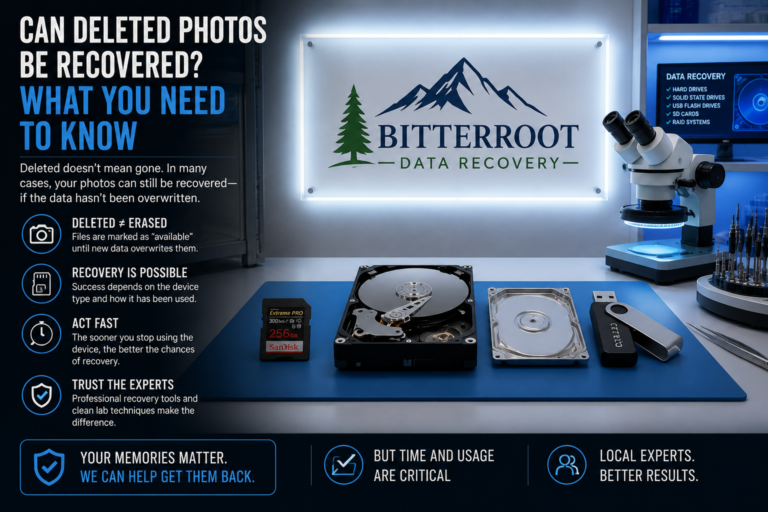
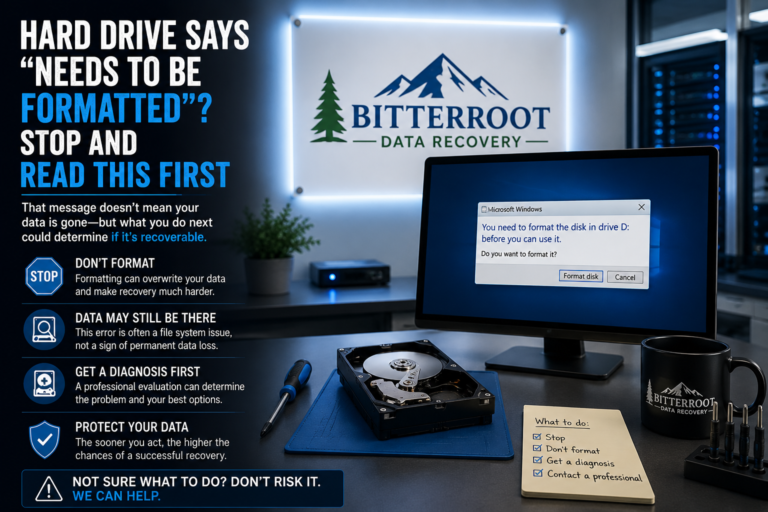
- Assessing an SD card that asks to be formatted.
- Verifying if an SSD failure is a controller issue or simple partition corruption.
3. Logical vs. Physical Recovery Standards
Understanding what can be done locally is vital. We specialize in Logical Data Recovery, which covers data loss where the hardware is still spinning and communicating but the files are inaccessible.
- Problem: Misdiagnosing a software glitch as a mechanical failure, leading to unnecessary and expensive clean-room referrals.
- Solution: We use non-destructive imaging to recover data from accidental deletions, formatted drives, and corrupted partitions.
- Cost: Logical recoveries are significantly more affordable than physical clean-room work, typically ranging from $120 to $700 depending on complexity.

4. The “No Cure, No Fee” Policy
Trust in a data recovery provider is built on shared risk. If a provider cannot retrieve your data, you should not be penalized financially for the attempt.
- Problem: Being billed for “labor hours” even when the technician fails to recover a single file.
- Solution: We operate on a strict ‘no cure, no fee’ policy for logical recoveries. If we cannot retrieve your data, you pay nothing for the recovery service.
- Cost: $0 if no data is recovered.
Examples:
- A heavily corrupted USB drive where the file table is unrecoverable.
- A formatted SSD where TRIM commands have already purged the data blocks.
- An external HDD with platter damage that prevents logical imaging.
5. Non-Destructive Imaging Processes
Standard computer repair shops often attempt to recover data by running “scandisk” or “chkdsk” directly on the failing drive. This is a destructive process that can permanently overwrite your files.
- Problem: Direct-to-disk recovery attempts that stress a failing drive and cause total hardware failure.
- Solution: We utilize a non-destructive imaging process. We create a bit-for-bit clone of your drive onto our secure servers and perform the recovery from the clone, leaving your original hardware untouched.
- Cost: Included in our Standard Recovery Pricing.
Examples:
- Cloning a clicking drive to prevent further mechanical wear.
- Working from a virtual image to reconstruct a deleted partition.
- Preserving the “original state” of the media for forensic or legal reasons.
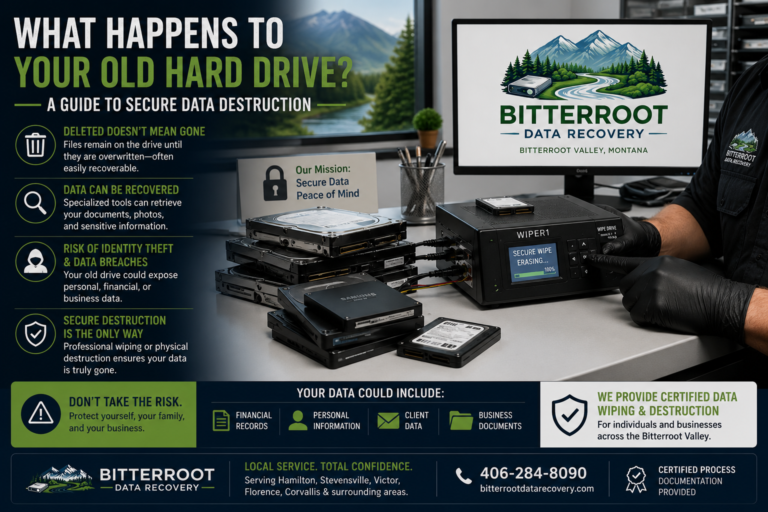
6. Secure Data Wiping and Confidentiality
Data recovery involves handling your most sensitive information. It is imperative that the provider has strict confidentiality protocols and secure destruction methods for retired hardware.
- Problem: Personal or business data remaining on “retired” drives that are sold or recycled.
- Solution: We provide certified secure drive wiping. We use firmware-based SSD erases and multi-pass HDD wipes with confirmation reports to ensure data is gone forever.
- Cost: Certified wiping starts at $40 per drive.
Examples:
- Sanitizing a business laptop before upgrading to a new model.
- Wiping an old SSD before selling it on a local marketplace.
- Ensuring compliance with HIPAA or financial privacy regulations.

7. Performance Optimization and Hardware Upgrades
Often, what looks like a drive failure is actually extreme system degradation. In these cases, recovery is paired with an upgrade to prevent future data loss and improve usability.
- Problem: A computer that is so slow it is unusable, leading the user to believe the drive has failed.
- Solution: We provide performance tune-ups and hardware upgrades, such as switching from a mechanical HDD to a high-speed SSD.
- Cost: Performance optimizations typically take 24–48 hours and are billed at transparent, upfront rates.
Examples:
- Upgrading a 5-year-old iMac to an SSD for a 10x speed increase.
- Removing malware and bloatware that is clogging system resources.
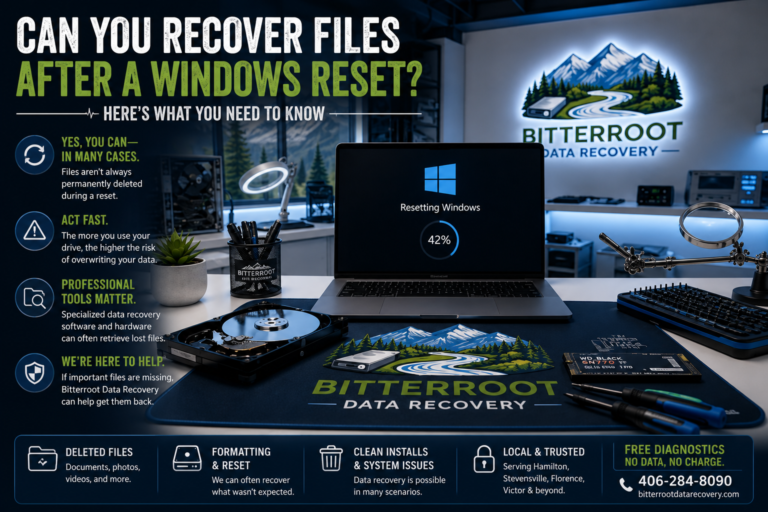
- Reinstalling a clean version of Windows after a catastrophic OS failure.

8. Turnaround Time Expectations
In the world of data recovery, “instant” results are rarely possible. Proper imaging takes time, especially for large drives with read errors.
- Problem: Providers promising 1-hour recovery, which often indicates a superficial and potentially incomplete scan.
- Solution: We provide realistic timelines. Most diagnostics are completed within 24 hours, and standard logical recoveries typically take 3 to 7 business days.
- Cost: Standard turnaround is included in the quote; rush services may be available for business-critical data.
Examples:
- Imaging a 2TB external hard drive with bad sectors (requires 48+ hours of continuous processing).
- Recovering 500GB of deleted photos from an SD card.
- Reinstalling an entire office suite and data after a drive failure.
9. DIY Software Risks
It is tempting to download “free” recovery software found on Google. However, installing software onto the very drive you are trying to recover from is the most common way data is lost forever.
- Problem: Overwriting the “free space” where your deleted files reside by installing a recovery tool.
- Solution: Bring the drive to a professional immediately. We use hardware-level write-blockers to ensure nothing is written to your drive during the recovery process.
- Cost: Professional intervention is cheaper than a permanent loss of data caused by a $0 DIY mistake.
Examples:
- Installing “Recuva” onto the C: drive to find a deleted Word document (this often overwrites the document).
- Running a “Deep Scan” on a drive that is making grinding noises.
- Attempting to “Repair” a partition table using Windows Disk Management.
10. Destination Media Requirements
Once data is recovered, it cannot be put back onto the failing drive. You must have a healthy destination to receive the files.
- Problem: Being surprised by the cost of a “return drive” after the recovery is finished.
- Solution: You can provide your own external drive, or we can provide a new, certified-healthy drive for your recovered data at current market prices.
- Cost: New 1TB external drives typically cost $60–$90.
Examples:
- Moving 100GB of recovered family photos to a new Western Digital external drive.
- Transferring business spreadsheets to a secure, encrypted USB flash drive.
- Uploading small batches of critical files to a secure cloud link for immediate access.
Professional Local Tech Support in the Bitterroot Valley
Bitterroot Data Recovery is committed to technical excellence and transparent pricing. We serve the local community with the equipment and expertise usually reserved for large city labs, but with the personal accountability of a local Montana business.
If you are experiencing data loss or your computer is failing to boot, stop using the device immediately to prevent further damage.
Contact Bitterroot Data Recovery:
- Phone: 406-284-8090
- Email: contact@bitterrootdatarecovery.com
- Website: Schedule a Diagnostic
- Location: Victor, Montana
- Service Area: Hamilton, Stevensville, Victor, Corvallis, Florence, MT.
Our goal is simple: Retrieve your data, optimize your hardware, and ensure your digital life is secure. No data, no charge.