External Hard Drive Not Working? Here’s How to Save Your Data

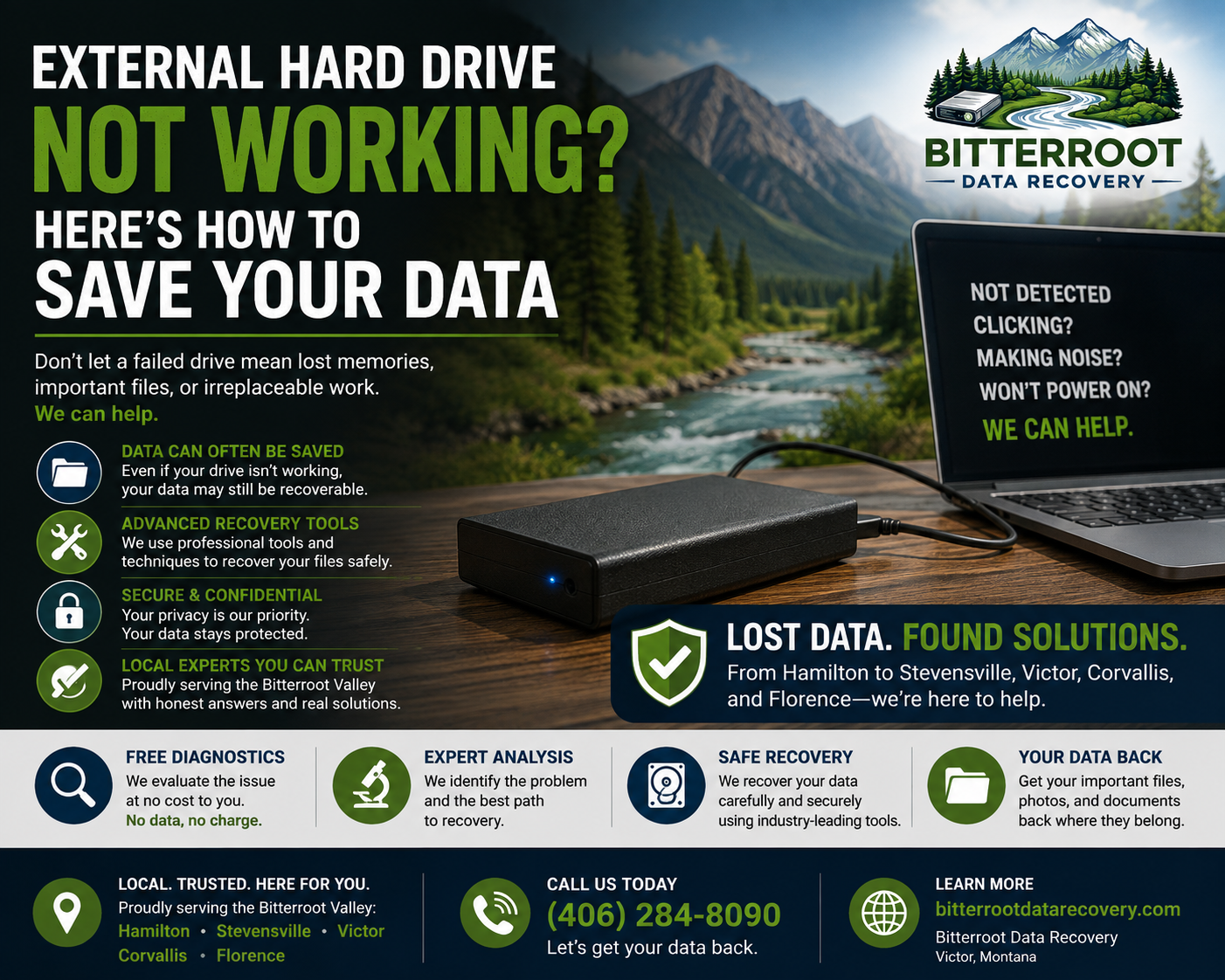
When an external hard drive stops working, panic usually follows. For homeowners, small business owners, and photographers throughout the Bitterroot Valley: from Hamilton and Stevensville to Victor, Corvallis, and Florence: that portable drive often holds irreplaceable family photos, tax records, or client projects.
Knowing how to handle a failing drive without destroying your data is critical. Here is a direct, practical guide on what causes external hard drive failure, safe troubleshooting steps, and when you need professional external hard drive repair or a specialized hard drive recovery service.
1. Why External Hard Drives Fail

Problem
External hard drives are portable, which means they face constant physical hazards. Unlike internal computer drives fixed inside a secure chassis, external drives get dropped into backpacks, knocked off desks, subjected to temperature swings in vehicles, and connected via delicate USB ports that wear out over time. Inside most traditional portable drives, microscopic read/write heads float mere nanometers above spinning magnetic platters. A minor bump while the disk is spinning can cause a catastrophic head crash. Additionally, budget-friendly external enclosures often feature cheap bridge boards that fail long before the internal storage medium gives out.
Solution
Understand your drive’s vulnerability. Treat portable mechanical hard drives with extreme physical care. When portability is non-negotiable for field photography or mobile bookkeeping in the Bitterroot Valley, consider upgrading to ruggedized solid-state drives (SSDs) which lack moving mechanical parts and withstand drops significantly better than traditional HDDs.
Cost
- Replacement Portable Enclosure: $20 – $40
- Replacement Rugged 1TB External SSD: $90 – $150
- Data Recovery & Repair Services: $250 – $700 (depending on damage severity)
2. Common Symptoms of External Drive Failure
Problem
External drives rarely fail silently or without warning signs. Recognizing the specific symptom helps identify whether you face a simple connection fault, a corrupted file system, or catastrophic mechanical failure.
Solution
Identify your drive’s exact behavior before taking action:
- Drive not showing up: The computer makes no sound or fails to recognize that a USB device has been plugged in.
- Clicking, buzzing, or grinding noises: The drive emits rhythmic clicking or mechanical grinding sounds upon power-up. (This indicates severe mechanical head damage).
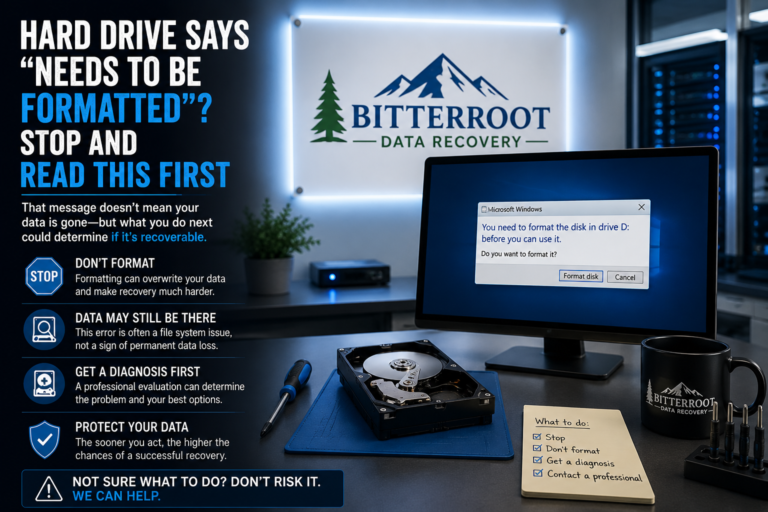
- “Drive needs to be formatted” error: Windows or macOS prompts you to initialize or format the disk before use.
- Extremely slow transfer speeds: Files take hours to transfer or freeze halfway through the copy process.
- Folder shows up empty: The drive letter appears, but previously stored folders and files are entirely missing.
- Intermittent connection issues: The drive mounts and unmounts randomly when the cable is nudged.
Cost
- Diagnostic Evaluation at Bitterroot Data Recovery: $0 (Free) with a 24–48 hour turnaround.
3. What NOT to Do When Your Drive Fails
Problem
Well-intentioned DIY attempts often turn a recoverable data loss scenario into permanent destruction. Panic-driven choices regularly destroy the remaining readable sectors on a failing disk.
Solution
Strictly avoid the following high-risk actions:
- Do not open the enclosure: Opening a traditional external drive outside a certified cleanroom introduces dust particles that instantly scratch and ruin the magnetic platters.
- Do not format the disk: Clicking “Format” clears the partition table and overwrites index structures, complicating data recovery.
- Do not run
chkdsk /ror repair utilities on clicking drives: Forcing a mechanically damaged drive to read corrupted sectors will permanently shred your data. - Do not keep plugging it in: Every spin-up on a damaged drive increases platter scoring. Power it off immediately.
Cost
- Cost of Unsuccessful DIY Repair: Total permanent data loss (Irreplaceable family photos and business files gone forever).
4. Safe DIY Checks You Can Perform

Problem
Before assuming your drive requires professional intervention, you need to rule out simple hardware connection or operating system glitches that prevent access.
Solution
Perform these safe diagnostic steps only if the drive is silent and makes no clicking or grinding noises:
- Try a different USB cable: Swap out the factory cable with a known working replacement.
- Try a different USB port: Plug directly into the back of a desktop computer (motherboard port) rather than a cheap unpowered USB hub.
- Test on another computer: Connect the drive to a secondary Windows PC or Mac to isolate operating system driver faults.
- Check Disk Management (Windows) or Disk Utility (Mac): Verify whether the drive appears as “RAW,” “Unallocated,” or unmounted. If it appears in Disk Management without a file system, your data is likely intact behind a corrupted partition table.
Cost
- Replacement USB 3.0 Cable: $10 – $15
- Professional Consultation: $0 at our Victor workshop.
5. Cable vs. Enclosure vs. Actual Drive Failure
Problem
Many users assume their data is destroyed when the external drive completely stops responding, when in reality, only the external USB interface bridge board has failed.
Solution
We carefully test the internal storage medium. Inside most 2.5-inch external hard drives is a standard SATA hard drive connected to a small adapter board. If that adapter board fails due to a power surge, the drive won’t power on via USB. In our lab, we safely extract the bare drive from its housing and test it directly on our diagnostic workstations to determine if the issue is merely external housing failure or internal spindle/head failure.
Cost
- Enclosure Extraction & SATA Testing: Included in our Free Diagnostic service.
6. Our Logical Data Recovery Process
Problem
When data is inaccessible due to severe file corruption, accidental formatting, partition loss, or deleted files, standard operating systems cannot read the underlying file structure.
Solution
At Bitterroot Data Recovery in Victor, Montana, we execute a meticulous, non-destructive recovery workflow:
- Free Diagnostic: Drop off your drive at our local shop for a thorough evaluation within 24 to 48 hours.
- Non-Destructive Imaging: We create a bit-stream sector copy of your failing drive onto secure media to ensure your original files are never altered or further damaged during processing.
- File Structure Reconstruction: We rebuild damaged partition tables, file allocation tables (FAT/NTFS/APFS), and extract intact folder trees.
- Client Review: We provide a complete directory list of recoverable files so you can verify your data before paying a single cent.
Cost
- Logical Data Recovery: $250 – $450 (Estimated turnaround: 3–5 business days).
- Advanced Data Recovery: $450 – $700 (For severe firmware corruption or complex multi-partition arrays).
7. Our “No Cure, No Fee” Guarantee
Problem
Entrusting a failing drive to a recovery service often carries financial anxiety: paying hundreds of dollars for a service that might fail leaves customers feeling cheated.
Solution
We eliminate that financial risk entirely with our strict No Cure, No Fee policy. If we cannot successfully recover your critical data, you pay $0. Period. You only pay when you see your recovered files verified and ready for transfer.
Cost
- Diagnostic Fee: $0
- Recovery Fee (If Unsuccessful): $0
8. Prevention After Recovery: Secure Backup Solutions

Problem
Surviving a data loss event is stressful, but failing to implement a reliable backup strategy leaves your digital life vulnerable to a repeat disaster.
Solution
Once your data is successfully recovered, protect your files permanently with an automated backup system. We provide comprehensive backup architecture tailored to local homes and businesses across Hamilton, Stevensville, Victor, Corvallis, and Florence.
Cost
- 1TB Backup Drive + Automated Backup Setup: $180 (Complete turnkey solution installed and tested).
- Custom Backup Solutions & Cloud Integration: $120 – $300.
- Secure Drive Wiping (for retired drives): Certified DoD-compliant multi-pass wipes with confirmation reports.
- On-Site or In-Shop IT Support: $45/hr (1-hour minimum).
9. Local Service Right Here in the Bitterroot Valley
Problem
National data recovery labs require you to pack your fragile drive in bubble wrap, ship it across the country to an anonymous processing center, deal with rotating call center agents, and wait weeks for a high-pressure corporate quote.
Solution
We are your local technology partners located right here in Victor, Montana. There is zero shipping risk, zero automated phone trees, and zero guesswork. You bring your external drive directly to our shop, talk face-to-face with an experienced technician, and receive honest, upfront pricing and transparent communication from start to finish.
Cost
- Local Walk-In Consultation: $0
- Standard Turnaround: 24–48 hours for diagnostics.
Ready to Recover Your Lost Data?
Don’t let a failed external drive compromise your irreplaceable photos, financial records, or business documents. Contact Bitterroot Data Recovery in Victor today for your free diagnostic evaluation.
- Phone: (406) 284-8090
- Address: Victor, MT (Serving Hamilton, Stevensville, Corvallis, and Florence)
- Website: Bitterroot Data Recovery