
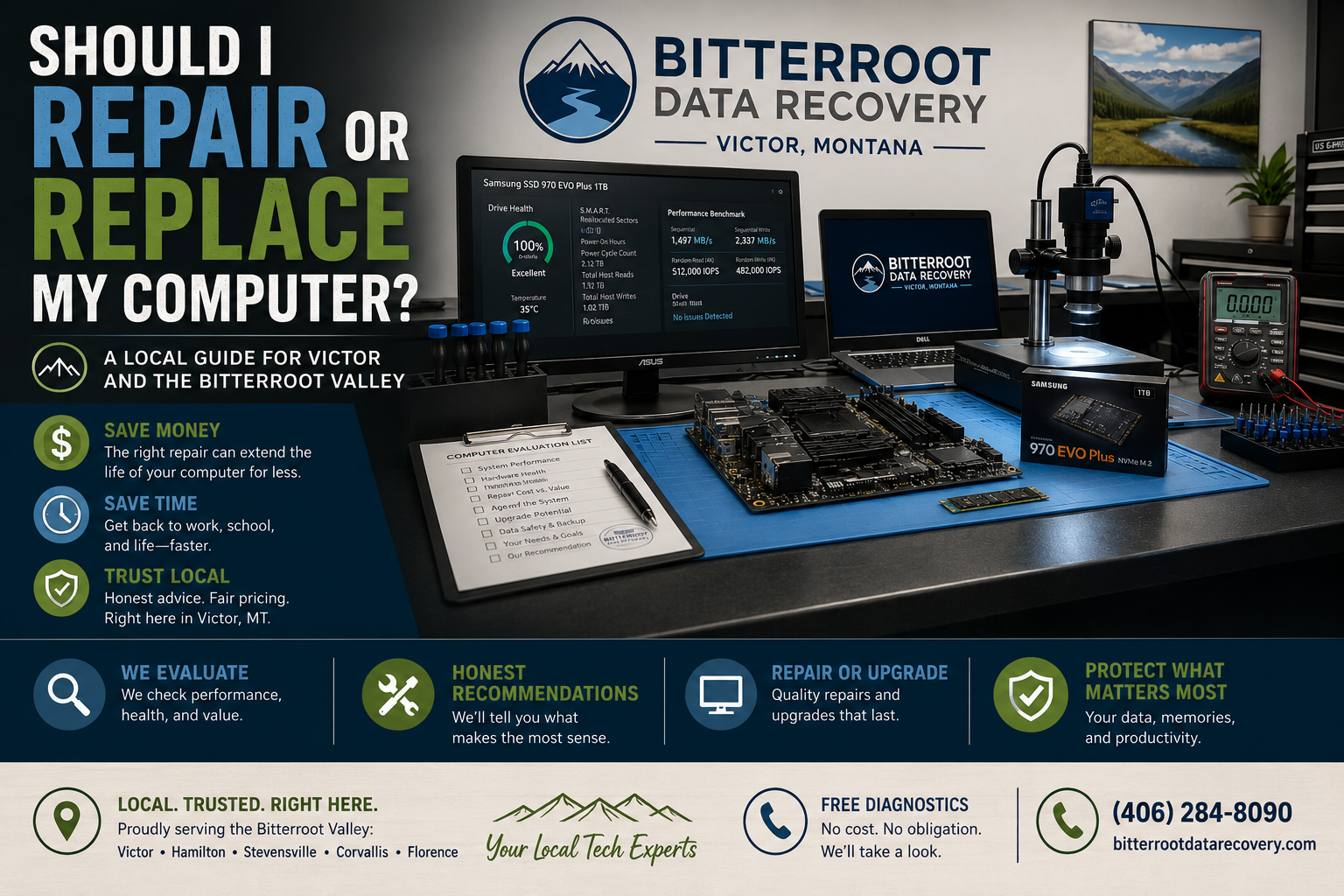
Should I Repair or Replace My Computer? A Local Guide for Victor and the Bitterroot Valley

Deciding whether to fix an aging computer or purchase a replacement is a common dilemma for residents and small businesses across the Bitterroot Valley. Whether you reside in Victor, Hamilton, Stevensville, Corvallis, or Florence, a sluggish or broken machine halts daily productivity, personal archiving, and business operations.
At Bitterroot Data Recovery, located right here in Victor, Montana, we evaluate computers daily. Many locals feel pressured by big-box retailers or online vendors to buy brand-new hardware when a minor, cost-effective repair solves the issue entirely.
The $50 Test: Is the Fix Worth It?
The Problem
Your computer crawls during basic tasks, freezes unexpectedly, or fails to boot. You suspect buying a new system is your only logical path forward.
The Solution
Apply the $50 Test. Bring your computer into our Victor workshop for a free diagnostic. If our evaluation reveals that the necessary repair: such as virus removal, a Windows reinstallation, or a solid-state drive (SSD) upgrade: costs under $100, repairing is almost always the financially superior choice. Most computers built within the last five to seven years regain exceptional performance and feel completely brand new once fitted with modern components.
The Cost Breakdown
- Diagnostic Fee: $0 (Free)
- Minor Software Fix / Tune-Up: $50 – $75
- Net Value: Saving hundreds over a replacement system while keeping your familiar desktop environment intact.
Age Matters: Evaluating Your Computer’s Lifespan

The Problem
Hardware degrades over time, but not all components age at the same rate. Knowing the age of your machine helps prevent throwing money at an obsolete platform.
The Solution
Evaluate your computer by its age and primary bottleneck:
- Under 3 Years Old: Almost always worth repairing. Failures at this stage are typically isolated software corruption or minor component glitches.
- 4 to 7 Years Old: Prime candidates for performance revitalization. If your machine features an older mechanical hard drive (HDD), replacing it with an SSD transforms boot times from minutes to seconds.
- 10+ Years Old: A dead motherboard or multiple failing components on a decade-old machine signals that replacement is the practical route. However, we can securely retrieve and transfer your files before retirement.
The Cost Breakdown
- SSD Upgrade (Labor + Drive): $50 labor + hardware cost (typically $60-$180 depending on capacity).
- New Replacement System: $400 – $1,200+ plus setup and data migration time.
Cost Comparison: Repair vs. Replace
When weighing your options, look directly at the numbers. Here is a clear breakdown of repair services versus replacement costs:
- Virus & Malware Removal: $75 – $150 : Highly cost-effective if the hardware is sound.
- SSD Performance Upgrade: $50 labor + SSD : Dramatically speeds up any computer manufactured from 2018 onward.
- Windows Clean Reinstall: $50 – $100 : Eliminates years of software bloat and operating system errors.
- New Budget Computer: $300 – $500 : Involves hidden costs for file transfer, software setup, and data migration, and often runs slowly due to cheap internal components.
- Refurbished PC from Bitterroot Data Recovery: $200 – $400 : Fully tested, upgraded with an SSD, and pre-configured with a clean Windows installation.
What Else to Consider Before Deciding

The Problem
Raw hardware specs do not tell the whole story. Your comfort and daily workflow matter just as much as processor benchmarks.
The Solution
Ask yourself these four practical questions:
- Do you like your current computer? If you enjoy the keyboard layout, screen quality, and form factor, keeping it via a targeted repair preserves your user experience.
- Does it run your required software? If your applications run fine once the system is optimized, avoid the hassle of learning a new operating system.
- Is the physical hardware intact? A pristine laptop chassis with a slow drive is worth upgrading. A shattered screen paired with a failing battery on an older machine is not.
- Do you need local support? Working with a local computer repair shop in Hamilton and the Bitterroot Valley ensures you get direct answers without shipping equipment away.
When to Replace Your Computer
The Problem
Some hardware failures exceed the economic threshold of repair. Recognizing these boundaries saves you unnecessary repair expenses.
The Solution
Replace your machine if you encounter any of the following scenarios:
- Cracked or failing laptop screen combined with an older generation processor.
- Dead motherboard on a machine older than seven years.
- Lack of modern ports (such as missing USB 3.0 or USB-C ports when modern peripherals require them).
- Incompatibility with current operating systems (e.g., hardware that cannot support security updates or Windows 11).
- Multiple failing components happening simultaneously (e.g., failing hard drive, dying battery, and broken keyboard hinges).
Our Approach: Honest Guidance with No Pressure

The Problem
Many computer owners distrust repair shops because of hidden fees, inflated upgrade recommendations, and high-pressure sales tactics.
The Solution
At Bitterroot Data Recovery, we operate on complete transparency. We start with free diagnostics. We examine your hardware, provide an exact price quote for repairs, and offer an honest assessment of whether fixing the machine makes financial sense. Because we also stock and sell refurbished computers, we can guide you objectively toward whichever option serves your budget best: whether that is a $50 SSD upgrade on your current laptop or a reliable, pre-tested desktop from our inventory.
The Victor Advantage for Bitterroot Valley Residents
The Problem
When technology fails, hauling equipment to Missoula or ordering a gamble off online marketplaces wastes time, money, and patience.
The Solution
As a locally rooted business in Victor, Montana, we understand the needs of our community. Whether you live right here in Victor, commute from Hamilton, run a farm operation in Corvallis, or need tech support in Stevensville and Florence, we are your local resource. We test every component thoroughly, offer flat-rate transparent pricing, and stand behind our work with guaranteed service outcomes.
Need assistance right away? Explore our core services:
- Computer Repair & Tune-Ups: Virus removal ($75-150), Windows reinstalls ($50-100), performance tune-ups ($50-75).
- On-Site & Remote IT Support: Available at $45/hour (1-hour minimum).
- Logical Data Recovery & Backup Solutions: Safe retrieval for lost files, accidental deletions, and corrupted drives under our no cure, no fee policy.
- Refurbished Computer Sales: Fully upgraded, tested machines ready for immediate deployment.
Contact Bitterroot Data Recovery today for your free diagnostic and get straightforward answers for your technology.